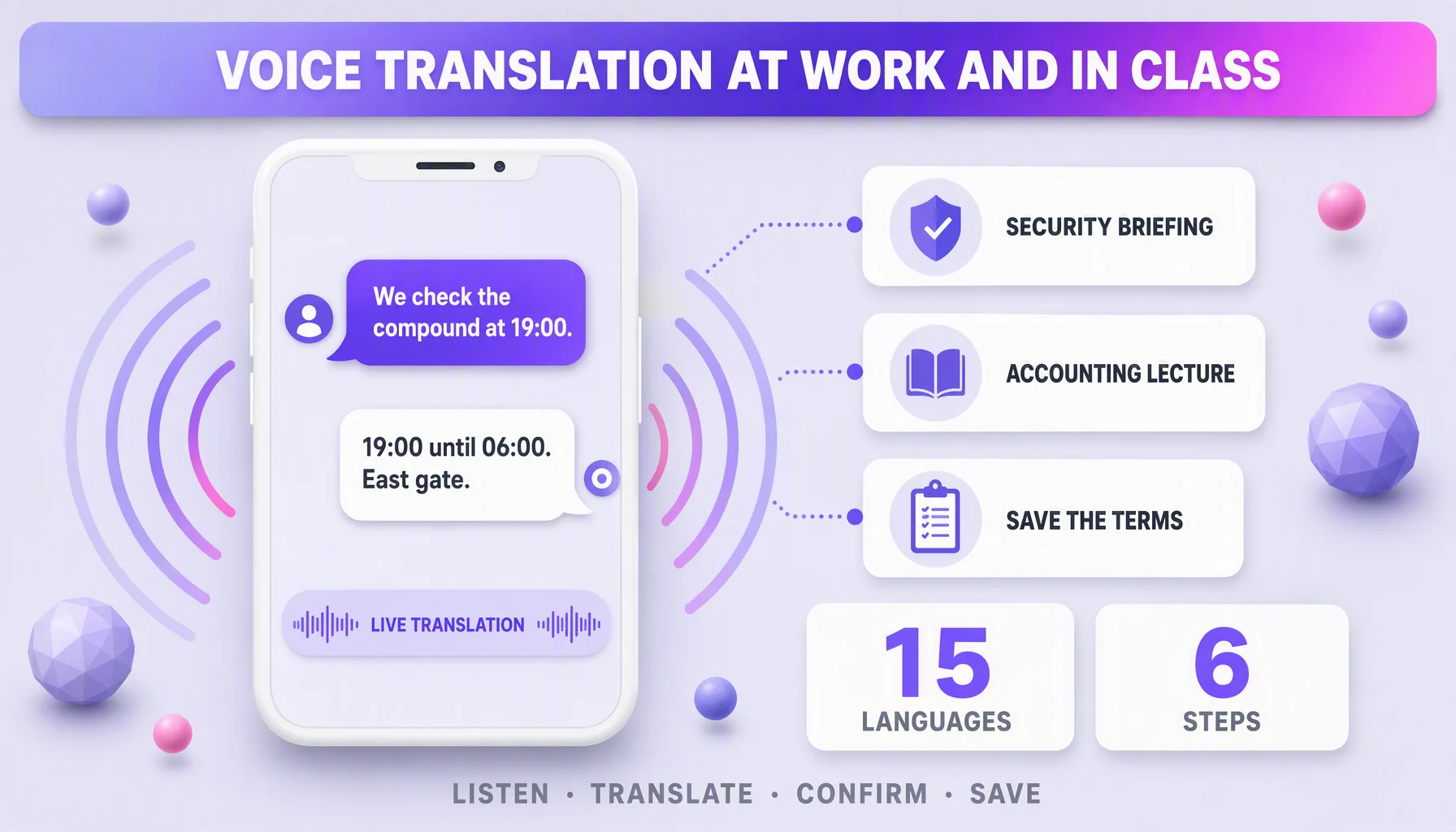
The hard conversations are rarely the ones you plan for. They are the security coordinator on the phone with a client who does not share a first language, and the international student in an accounting lecture who loses the thread in the first ten minutes. Different rooms, same failure: the terms arrive faster than the meaning. A real-time voice translation app is the tool for both moments, if you use it in a deliberate order: listen, translate, confirm, save. This guide is that order, six steps, applied twice, once at the gate and once in the lecture hall.
Before you start: 30 seconds
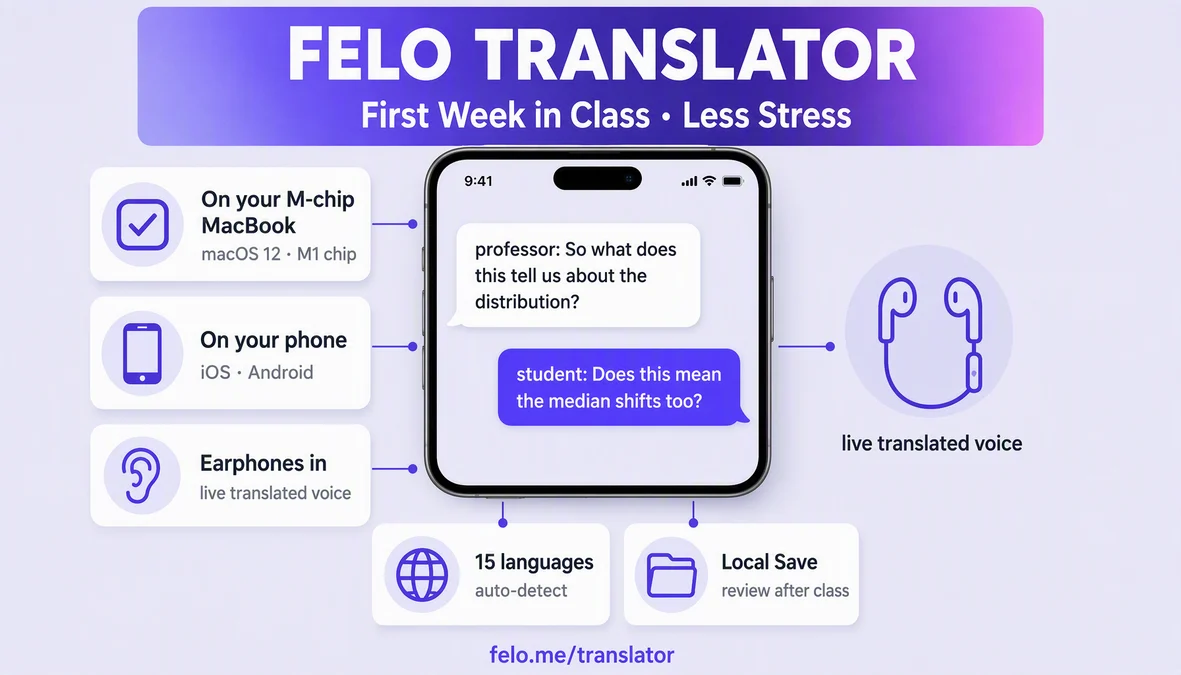
- Check the pair against the app's language list. Felo Translator covers 15 languages; both sides of the conversation need to be in it.
- Choose the mode. Two-way conversation: phone at arm's length between you. One-way listening (a lecture): phone beside the notebook.
- Sit somewhere short sentences work. Quiet corner, screen facing you, network on.
The six-step routine
Step 1: Put the phone where both sides can see it
For a conversation, at arm's length on the table, between the speakers. For a class, beside the notebook, screen toward you. This one button is what makes the microphone pick up both voices and what makes you point at the screen when the other person doubts what they heard.
Step 2: Speak in one-breath sentences
Say exactly what you need in one breath, then pause for the translation:
"Let's confirm the patrol times. 19:00 to 06:00." (the translation is spoken back in the client's language; they answer) "Yes. And the gate seal goes in the log."
The pause matters more than the sentence. Long paragraphs collapse into a wall; short sentences keep each exchange checkable.
Step 3: Confirm the critical detail in both languages
This is the step that turns a conversation into an agreement. Repeat back what you understood, and let it translate back into the other language:
"Just to confirm: 19:00 to 06:00, east gate, log the seal."
For a security handover, the details are times, gates, alarm codes. For a lecture, the detail is the definition: "Depreciation spreads an asset's cost over its useful life." Say the definition back in the language of the course, then in your own. If it survives the round trip, you have it.
Step 4: For classes, catch the flow, not every word
A lecture is not a conversation. Do not chase every sentence: let the live translation hand you the skeleton, write down the term and its context, and move on.
"The depreciation method changes the expense in year one." You write: depreciation, method changes year-one expense.
What you are buying is the concept the term hangs on, not a transcript. Terms you can copy from the slides; the concept is the thing lost in the first ten minutes.
Step 5: Save the session and extract your own glossary
Local Save keeps the conversation on your device, so replay it in the evening and pull the terms that matter: for a site team, perimeter, patrol, access control, gate seal, incident log; for a student, asset, liability, depreciation, amortization. The app gives you the sentences. The list is what you make from them.
Step 6: Warm up with last week's session
Before the next briefing or the next class, reopen the saved session for one listen. The vocabulary comes back warm in ninety seconds, and the terms that still do not stick become the ones you deliberately practice.
Two everyday scenarios
The security firm on the phone with a foreign client. The client calls about an overnight alarm and wants the response in writing: "What happens if the alarm runs at 2 a.m.?" The coordinator translates both ways, confirms the response time out loud, and repeats the phone tree back: "You call me, then we call the client." Client-facing firms like Nexus Security Services run this kind of multilingual boarding call every week in the UK, where the workforce speaks one language and the client's representative speaks another, and a misread response time is the difference between a note and an incident.
The international student in an accounting lecture. The student takes the seat near the wall, phone beside the notebook, and runs the listening flow in short blocks: ten minutes of lecture, two minutes of glossary. The definitions survive in the notes, the terms get saved in the app, and at the end of the semester, the same students rehearse the terminology through question banks with explanations like PrepNovat, whose 10,100+ practice questions and seven tracks (nursing's ATI TEAS, GED, CompTIA, real estate licensing and teacher certification) explain every answer option: the live translation makes the English understandable, and the rationales make the question teachable.
Six fixes that make it stick
- One breath per sentence, pause like you mean it. The pause is where the translation happens.
- Have the important lines read back out loud. Hearing your own words in their language is the fastest way to catch a mis-translation.
- Never translate proper nouns. Names, codes, street names, gate identifiers: they travel untranslated, and the app should keep them as they are.
- Class blocks: 10 to 15 minutes, then glossary. A long uninterrupted run on a noisy lecture is the worst case for any voice translation app.
- Build your own glossary list. The app keeps the conversation; the useful list is the one that repeats the terms until they are yours.
- Re-check the language list when the pair changes. If the next client or the next course is outside the 15, the app is not the solution; the interpreter is.
Where Felo Translator fits
Felo Translator is the real-time voice translation app this routine is built around: GPT-based speech transcription and translation across 15 languages, with Translation Reading for natural read-back of the result, Local Save so the conversation stays on your device for the evening review, voice translation for live two-way conversation, and a free trial on iOS and Android at felo.me/translator. What separates it from a phrasebook or a dictionary is the shape of the routine: the same app that carries the security briefing also carries the lecture, because both are the same thing at a different volume, one conversation, held in two languages.
Honest limits
- The 15-language list is the boundary. Both sides must be in it; for a pair outside the list, the app is not the answer, and pretending it is makes the handover worse.
- Terminology: get the sense, then learn the term. The app gets you to the concept in seconds. For the exam or the contract, the terminology still has to be mastered in the source language: that is why the glossary in step 5 exists.
- Live translation needs the network. Local Save is storage, not offline translation; the live flow needs a connection, and saved sessions replay without one.
- Noise and heavy accents are the hardest case. A quiet site office works; a clanging compound on a radio does not. If the exchange matters, move the conversation somewhere that does not fight the microphone.
- For a graded exam, translation is a tool, not a guarantee. Understanding the question is step one; the practice still has to happen.
FAQ
Can it translate accounting or legal terms correctly? Sentence level, yes, and that is most of the value. For specialized terms, treat the translation as fast sense-making: use it to reach the concept, then confirm the term in the source language, because the exam or the contract will use the source term. The glossary habit in step 5 is the honest version of this.
Does it work for one-way listening, like a lecture? Yes. That is a different mode from a conversation: phone beside the notebook, short blocks of 10 to 15 minutes, catch the flow and write the term. Trying to transcribe a whole lecture is the classic mistake.
Does it work offline? Live voice translation needs a network connection. Saved sessions (Local Save) stay on the device and replay without one, which is what makes review in the evening work.
What languages are covered? 15 languages; the full list is published at felo.me/translator. The practical check is to make sure both sides of your conversation are in it before the call, not during it.
By the Felo Editorial Team. The Felo Editorial Team writes about language, voice translation, and the details of talking across borders, and occasionally about preparing the day before. Felo Translator is a real-time voice translation app in 15 languages. Try it free at felo.me/translator.