Orientation week front-loads the most consequential listening of your whole degree into five days: registration, visa rules, housing, the welcome talk, and a dozen one-on-one conversations with people who assume you already know how the system works. Translate the week as it happens and you leave it with a searchable record instead of a blur.
Here is how to set up for it, move through each kind of session, and keep what you heard.
Prep before you land (three things)
- Set the language pair you will actually live in. That is usually your own language ⇄ the language of instruction, not your own language ⇄ English by default. Set it once before you travel so you are not fumbling with a settings screen in a queue.
- Test the microphone in a noisy room, not a quiet one. Orientation happens in echoing halls and crowded lobbies. Speak a paragraph at normal volume from two metres away and see whether both languages come through. Two minutes here saves you the whole welcome talk.
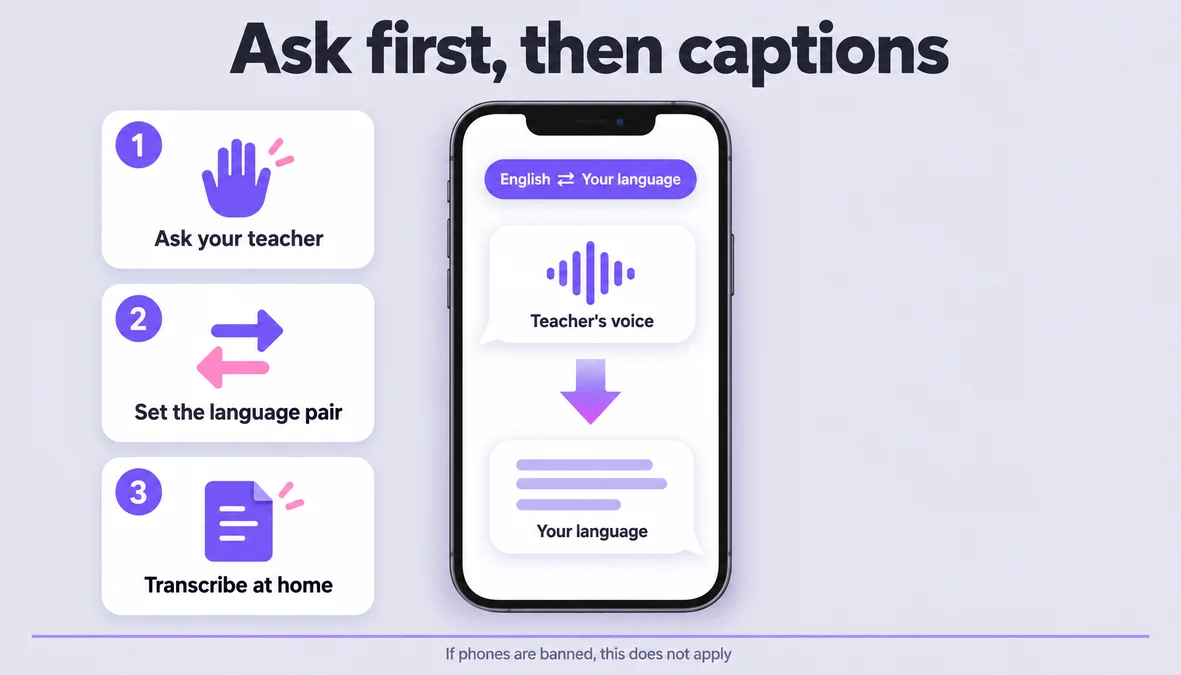
- Decide your consent rule before day one. These are real rooms with real people, and some sessions are recorded by nobody. Ask the speaker or the desk staff before you turn anything on, and if your school bans phones in a session, that is the answer — the app is not a way around a house rule.
How to get through the week (7 steps)
- Before the first session, put the phone on a charger and close everything else. Translation and transcription hold a live audio session; a phone at 20% will not finish a ninety-minute welcome talk.
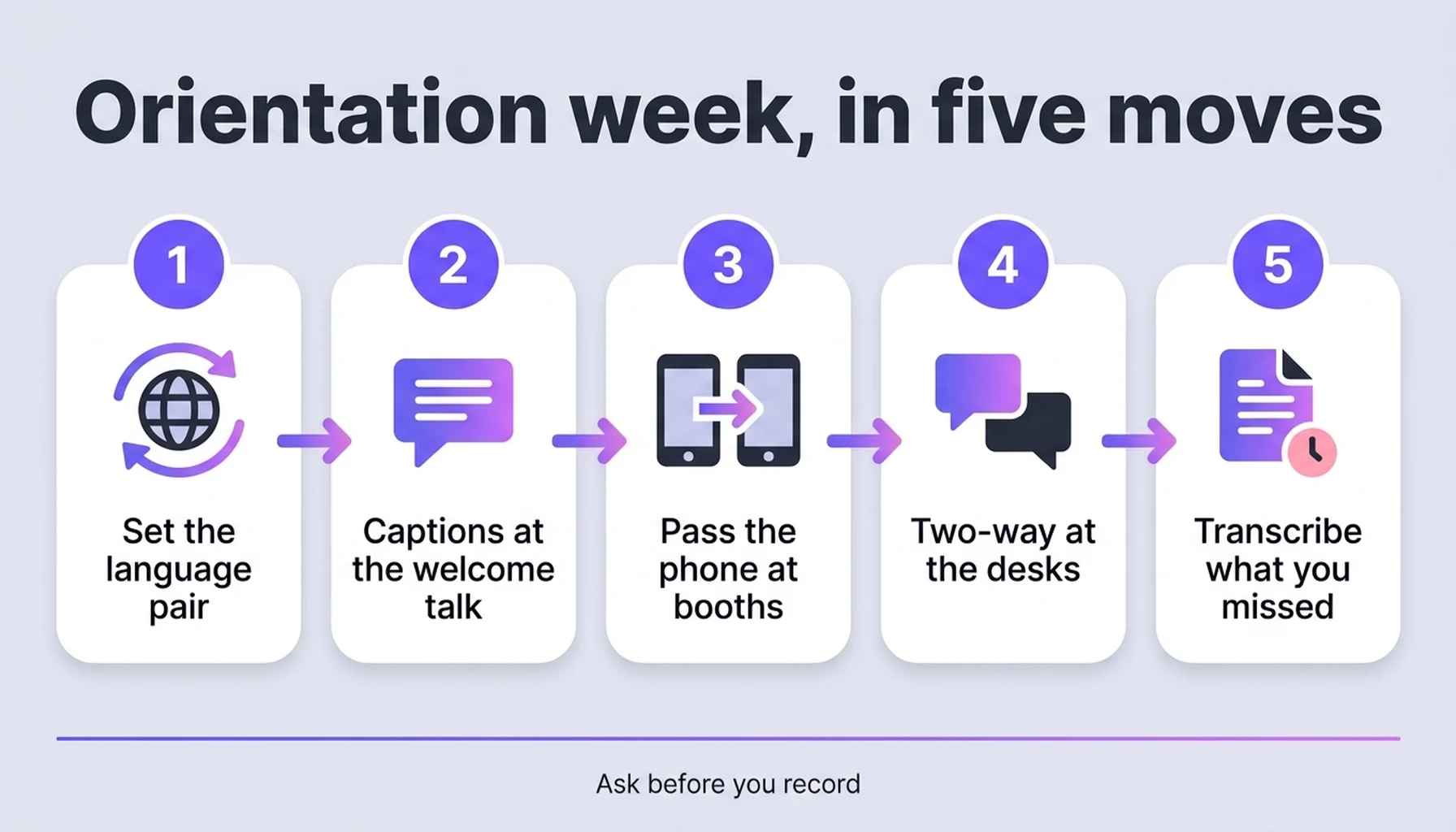
- For the welcome talk, lay the phone flat on the desk between you and the speaker. Not in your hand, not in your pocket. The microphone wants to see the room. Both languages then scroll on screen as the speaker talks — you read the language you are faster in while you hear the original.
You hear: "Course changes close on the fifteenth, and anything after that needs a dean's signature." You read: 「课程变更在十五号截止,之后需要院长签字。」
- At the orientation fair, hand the phone back and forth. Booths are short, loud, and transactional. Let the student volunteer speak into it, then read the answer on your side and reply into it. Two-way conversation is the whole point of a booth stop; do not try to summarise their answer from memory while a queue builds behind you.
You say: "Do I need this form if I already paid?" You read: 「已经付过款的话不需要,但住宿那栏要重填。」
- At the one-on-one desks — registration, visa, housing, health — treat it as a conversation, not a broadcast. Put the phone between the two of you and let the staff member talk normally. This is where the vocabulary is hardest and the stakes are highest, because nobody at that desk is slowing down for you.
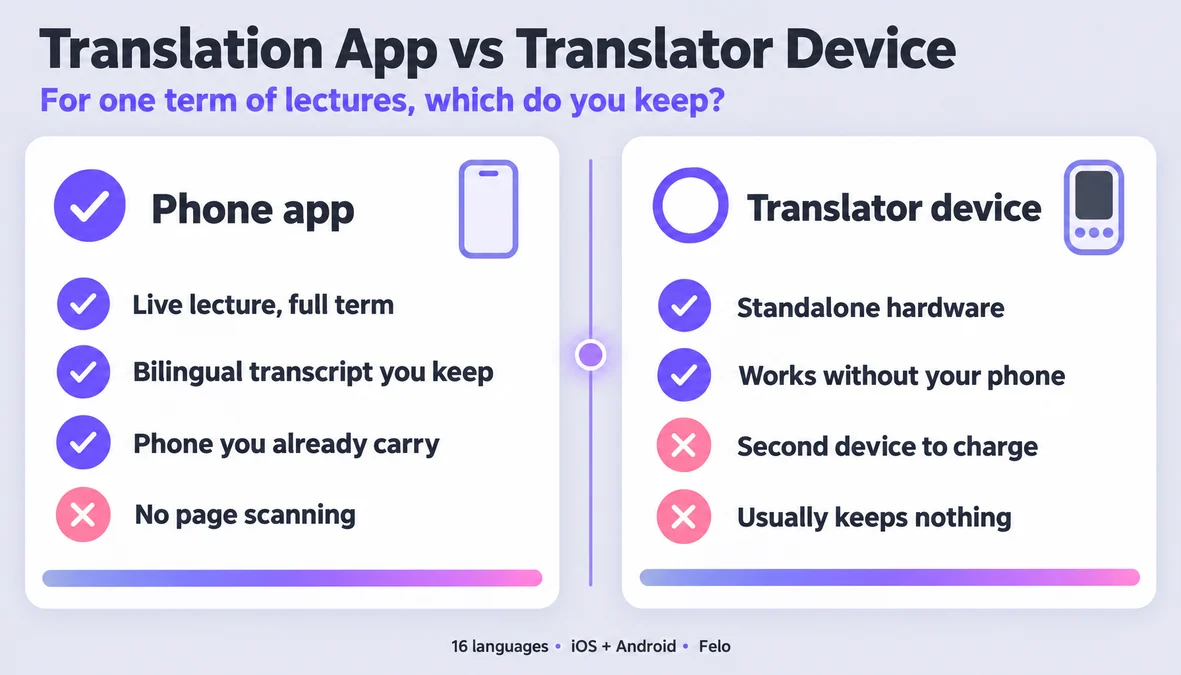
- When something matters and you cannot write fast enough, let the session save instead of reaching for the camera. There is no camera translation and no OCR here, so a photograph of a form or a screen will not become text. What does work is the saved session: the bilingual transcript is already being written, and you can go back to the exact minute later.
- Back at the dorm, re-listen to the parts that were decided, not the whole day. You are looking for the five things that require an action from you: a deadline, a document to bring, a room number, a name, a fee. Pull those out the same evening, while you still remember which conversation they came from.
- At the end of the week, put the sessions in one place. Campus life starts on Monday and orientation stops being reviewable the moment it is over. One folder, named by day, is enough — and it is the difference between a week you can search in November and a week you only half remember.
Three moments it earns its place
The welcome talk in a hall with echo. A speaker at a lectern, two hundred people, and a ceiling that turns every consonant into mud. Having both languages scrolling on screen means a missed phrase costs you a glance, not the rest of the paragraph.
The registration window with a queue behind you. The staff member is fast, the queue is impatient, and nobody is going to repeat the bit about which counter handles what. Two-way conversation keeps your question and their answer in the same exchange, so you leave knowing which door to knock on.
The housing office where every noun is new. Deposit, utilities, inventory, notice period — words that never came up in a language class because the situation never came up. This is the session to keep and re-listen to, because the terms you sign up to are the ones you will need again in a month.
Make it smoother
- Name each session the moment it ends. "Housing" and "Visa" will make sense to you in November; "Session 4" will not.
- Type the answer, not the question. When you re-read a saved session, the useful half is almost always their side of it.
- One phone between two people, not two phones. Passing a single device keeps the audio in one stream and keeps the transcript readable.
- Charge between sessions, not during them. A power bank in your bag is the cheapest insurance of the week.
- Ask the desk to spell names and room numbers. Spelled letters come through translation unreliably, and you need those exact.
- Do not try to translate the whole week. Target the sessions where money, deadlines, or your legal status are on the table, and let the small talk go.
What it won't do
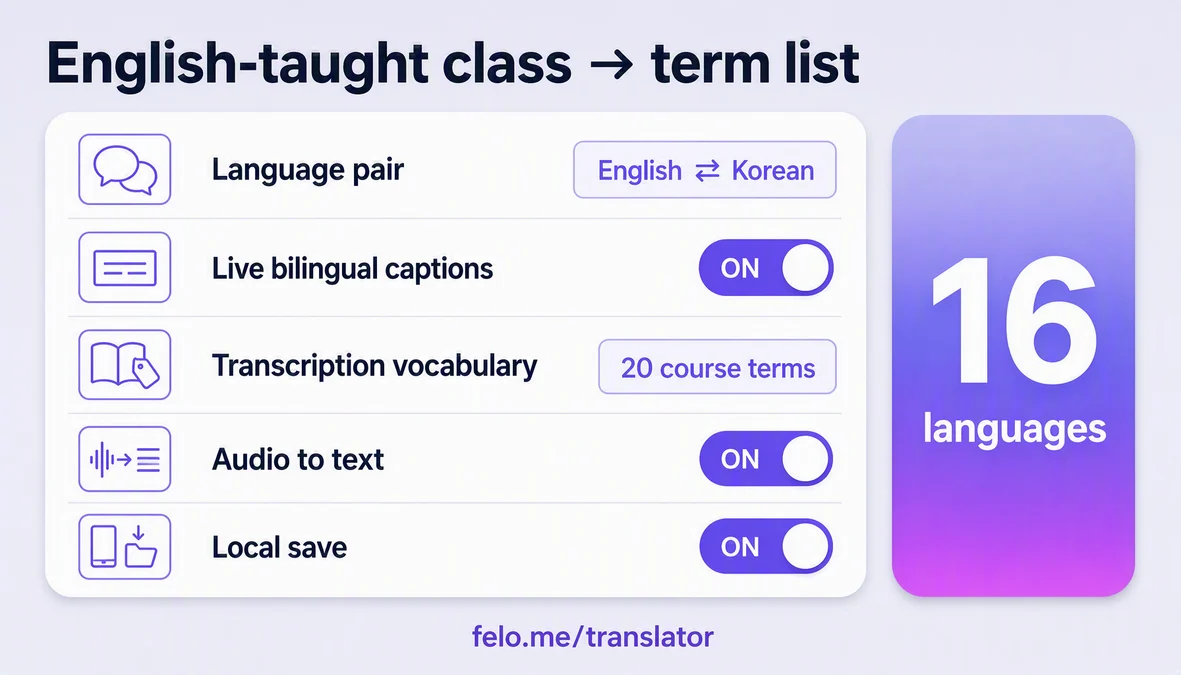
- It will not cover every language. Felo Translator works in sixteen: Korean, Japanese, German, English, Simplified Chinese, Taiwanese Mandarin, Cantonese, Czech, Thai, Spanish, French, Italian, Russian, Indonesian, Vietnamese, and Nepali. Check that list against your own pair before you land, because it is the hard boundary of what the week can help with.
- It does not work offline. Live translation and transcription both need a connection, so a basement hall with no signal is a hall where this stops working. Download what you can, and know where the signal is in your building.
- It will not capture a slide. The microphone hears the speaker, not the projected bullet list. A talk that is mostly slides carrying the content will leave gaps.
- It is not an official translation. For visa conditions, contract terms, and anything you will sign, the office's own written document is the authority — this helps you follow the conversation and ask a better question, and it does not replace a certified translation.
- It is not a substitute for consent. Ask before you record, and stop if someone asks you to.
What Felo brings to orientation week
Felo Translator is built around four things, and orientation week happens to use all of them: real-time voice translation across sixteen languages, a live bilingual transcript where both languages sit on screen and move with the speech, transcription that turns an audio file into editable text, and Local Save, which keeps sessions and history on your device rather than in the cloud. It runs on iOS and Android, there is an APK for regions where Google Play is unavailable, and starting does not require an account.
For this week the useful property is that the transcript is a by-product of the conversation, not a second task. You are not choosing between listening and taking notes; you are doing the first, and the second is already saved.
FAQ
Can I record the orientation sessions?
Ask first. Walk-up conversations and the welcome talk are other people's voices, and some schools restrict phones or recording in official sessions. If you are told no, that is the end of it — the app is not a workaround for a house rule.
Does it work in a basement hall with no signal?
No. Both live translation and transcription need a network connection, so this is not an offline tool. Check where the signal holds in the buildings you will spend the week in.
What do I need to run it?
The app on iOS or Android — there is an APK where Google Play is not available — and no account to start. Sessions and history stay on your device through Local Save. There is one app, and orientation week uses three of its features: live translation, the bilingual transcript, and audio transcription.
Is it enough for registration and visa questions?
It is enough to follow the conversation and to ask a sharper question. It is not a certified translation, and it is not the authority — for anything you sign or anything that affects your status, the office's written document decides.
By the Felo Editorial Team. The Felo Editorial Team writes about language, voice translation, and the details of talking across borders. Felo Translator is a real-time voice translation app in 16 languages, at felo.me/translator.