In an English-medium course, the hard part is usually not English. It is that you already understand the concept — in your own language — and the lecture is giving you the English word for it at speaking speed, once, while moving on to the next one.
That is a different problem from "I don't understand the lecture," and it needs a different workflow: not more listening, but a term list you build across the semester and a live caption you can check against it. This is how to run that loop in a course taught in English.
Prepare these three things
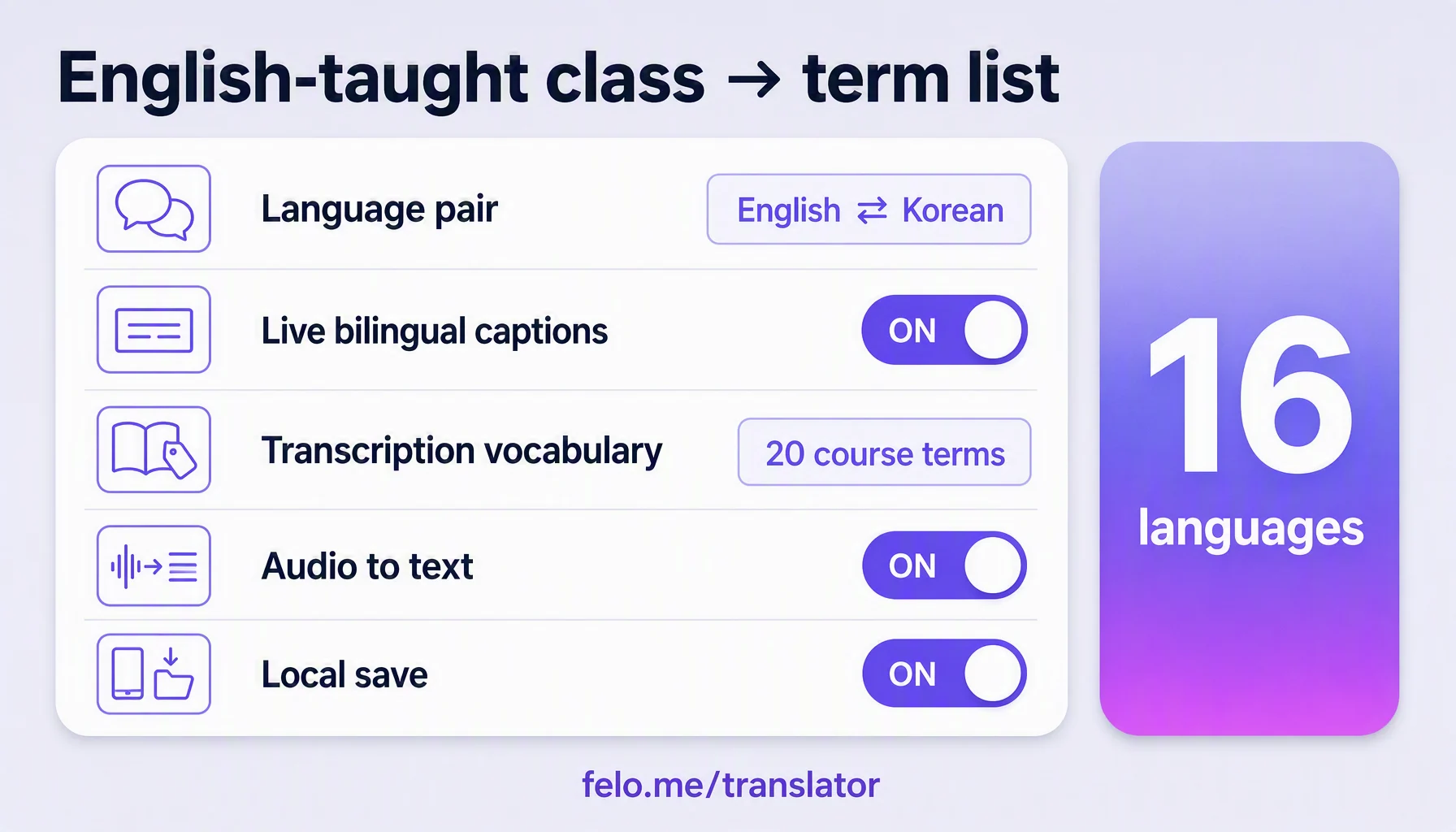
- Get the reading list before the first week, and pull the terms out of it. Between one and three hundred subject terms carry an entire course. Copy them into a note as you meet them; this list is the thing you are actually building all semester. The app's transcription vocabulary is where the app keeps the words it has learned for a session — check a term against it rather than assuming it was transcribed correctly.
- Set the language pair and test it on your own subject. Felo Translator supports 16 languages: Korean, Japanese, German, English, Simplified Chinese, Taiwanese Mandarin, Cantonese, Czech, Thai, Spanish, French, Italian, Russian, Indonesian, Vietnamese, and Nepali. Read one paragraph of the reading list aloud in the room you will sit in, and check that the terms come back as terms — not as near-misses.
- Decide, before class, what you are listening for. Either you are following the argument, or you are collecting vocabulary. Doing both at once is what makes an English-taught lecture exhausting. Pick one per session.
How to use it in class (7 steps)
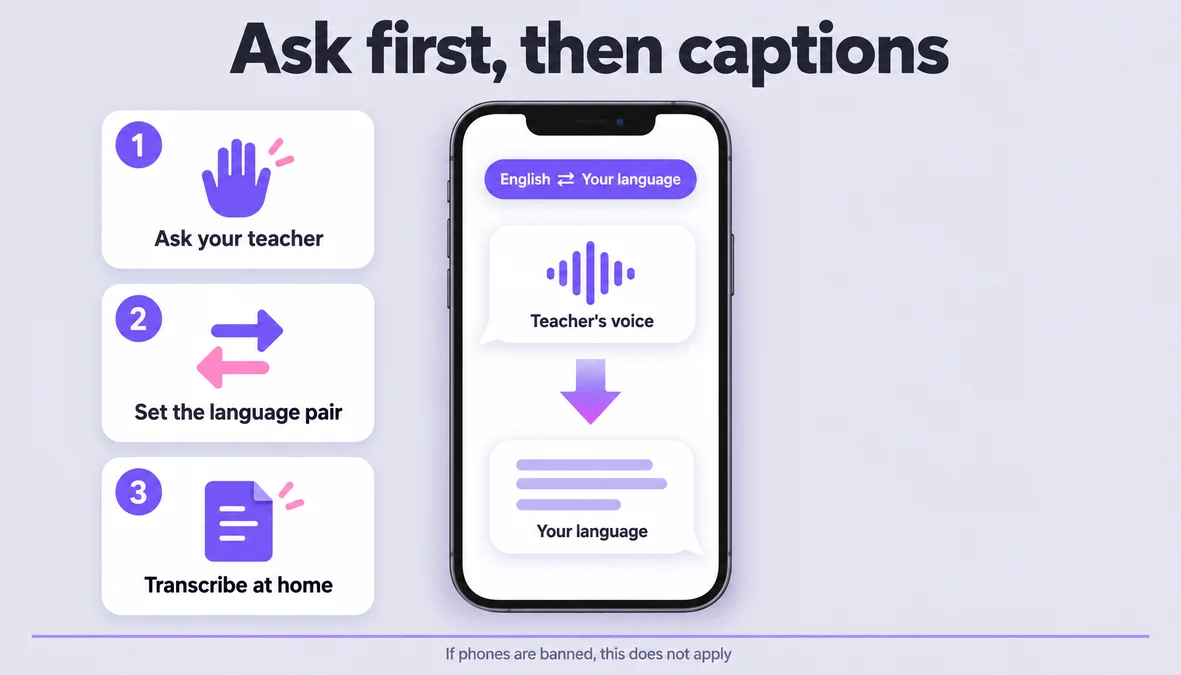
- Start the session before the lecturer does, and put the phone between you and the voice. In Voice Translation, open the live session while the room is still settling. The app listens, transcribes what is said, and translates as it goes, with both languages on screen.
- Watch the captions for the shape of the sentence, not for each word. Live captioning is a running text, not a dictionary. Read it to see where the lecturer is going; the specific translation of any one term can be fixed after class.
- When you lose a term, write the term — not the time, not the slide. In a normal lecture you mark the moment. In an English-taught one, the moment is worth less than the word: one word is enough to find the whole passage again in the transcript.
- Say your own question in the shortest form that is still a question. The session runs both ways: your question goes out in the lecturer's language and the answer comes back as text and voice. In an English-taught class this is the part people avoid using — and it is the part that fixes a misunderstanding while it is still cheap.
- Do not translate the whole lecture twice. If you re-read every line in your own language that evening, you will spend two hours and learn the vocabulary once. Read the transcript against your term list and stop at the lines that did not make sense in class.
- Complete a missed lecture from the recording, not from a classmate's notes. If you recorded it (with permission), the transcriber turns the audio file into text, so a lecture you missed lands in the same bilingual format as the ones you attended.
- Add every new term to the list the same day, with the sentence it came in. The term alone fades; the term plus the sentence it appeared in is what you can actually use in an exam. Ten minutes a session is the whole cost.
Before the midterm, read the term list and not the lecture notes. If you can explain every term on it in your own language, you have the course. If you cannot, the gap is a vocabulary gap, not a comprehension problem — and that is a much faster thing to fix.
Three signals, and what each one means
You understood the sentence but not the word. This is the normal state of an English-taught course, and it is the good one: you have the concept, you are only missing the label. Add the label to the term list and move on.
You understood every word but lost the argument. The vocabulary is fine and the pace is not. Sit closer, record the session, and rebuild that lecture from the transcript rather than trying to catch it live.
You cannot tell which of the two it was. This happens with unfamiliar accents and it is the only case where you should read the transcript in your own language line by line — because you cannot yet trust your own diagnosis.
Make it smoother
- Learn the course's twenty core terms before week one. Twenty words you can say without hesitating changes the whole semester; four hundred is not a plan.
- Sit in the front third. Microphone distance is the input quality, and the front rows also let you read the lecturer's face — the cheapest comprehension aid that exists.
- One ear out of the earphone. Keep the room on one side and the translation on the other; use the translated voice for the passages that accelerate.
- Name sessions with the topic, not the date. "Thermodynamics — entropy" is findable in December; "Week 6" is not.
- Update the app before term starts. Recognition and translation improvements ship in releases, and the official language list can change between semesters.
What it doesn't do
- It doesn't replace the language course. It buys you the content while you are still learning the language. If you use it in place of reading in English, you will pass the exams and still not be able to work in the language.
- Specialised terms come back approximately, and sometimes untranslated. Terminology in a narrow field is exactly where machine translation is weakest — a term may stay in the original or come back as a near-synonym. Verify against your reading list, not against the transcript.
- It doesn't work offline. Live translation and transcription need a network. Local Save keeps sessions on your device; that is storage, not offline translation.
- It only covers the official 16 languages — listed in the prep section above. Check that list before you plan around it; it does not include Arabic or Hebrew.
- Recording is a permission question, not a settings question. Ask the lecturer and follow your school's policy before bringing a recorder in, and don't expect one phone microphone to cover a large hall — the app is built for close, live speech.
What Felo brings to an English-taught course
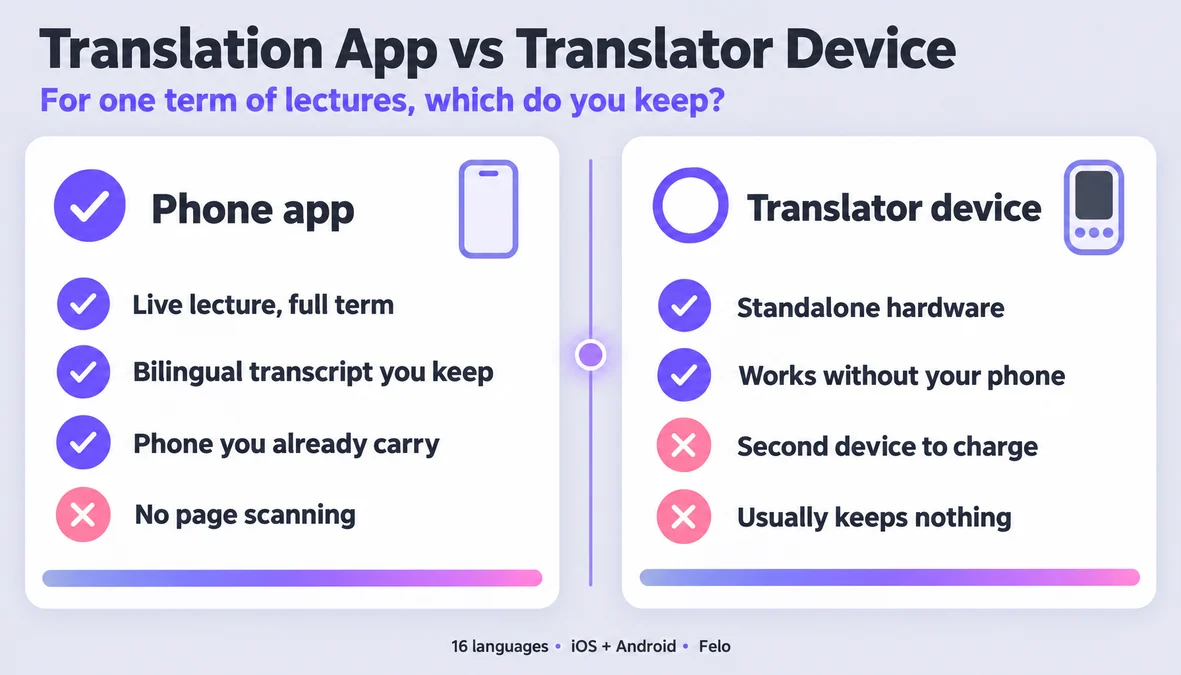
Felo Translator is the real-time voice translation app this workflow runs on. Four pieces matter here: live voice translation in 16 languages, a bilingual transcript of the session with both languages on screen as they are spoken, a transcriber that turns an audio file into editable text so a missed lecture and an attended one end up in the same format, and Local Save, which keeps sessions and history on your device rather than in the cloud. For an English-medium course the useful part is the pairing: the live caption carries you through the hour, and the saved bilingual transcript is what you build the term list from afterwards. It runs on iOS and Android (plus an APK for Android phones without Google Play), needs no account to start, and a one-day trial lets you test it on a real lecture before you commit. Pricing, including the 120-minute pack, is on the official pricing page.
FAQ
Is it allowed in an English-medium course?
That is your school's and your lecturer's call, not the app's. Many English-medium programmes already distribute recordings; ask what the policy is, and follow it. The app is a listening aid, and it is not a substitute for the institution's rules.
Will it translate my subject's technical terms correctly?
Partly. Common terms come back well; narrow terminology is where quality drops, and some terms will stay in the original language or return as a close synonym. That is exactly why the term list matters — check the translation against your reading list once, and you will know which terms to trust.
Does it work offline?
No. Live translation and transcription require a network connection. Local Save means the session is stored on your device — not that the app works without a connection.
Which languages does it support?
Sixteen: Korean, Japanese, German, English, Simplified Chinese, Taiwanese Mandarin, Cantonese, Czech, Thai, Spanish, French, Italian, Russian, Indonesian, Vietnamese, and Nepali. If the language you need is not on that list, this workflow will not serve you yet.
By the Felo Editorial Team. The Felo Editorial Team writes about language, voice translation, and the details of talking across borders. Felo Translator is a real-time voice translation app in 16 languages, at felo.me/translator.