The first week of a semester is when international students get tested the hardest — not in the exam room, but in the lecture hall. The professor starts talking about "the variance of the sample mean" and by the time I finished translating that phrase in my head, the class had already laughed at a joke I didn't hear. The English wasn't too hard for me. The speed was.
So this is the sharing I wish someone had sent me the week before my first class: a three-part setup — Felo Translator on my phone and on my M-chip MacBook, a decent pair of earphones, and a language pair that's actually set before the professor walks in. It took ten minutes to put together, and it changed the feeling of that first week from "hoping I catch enough" to "following the class."
Ten minutes before the first lecture
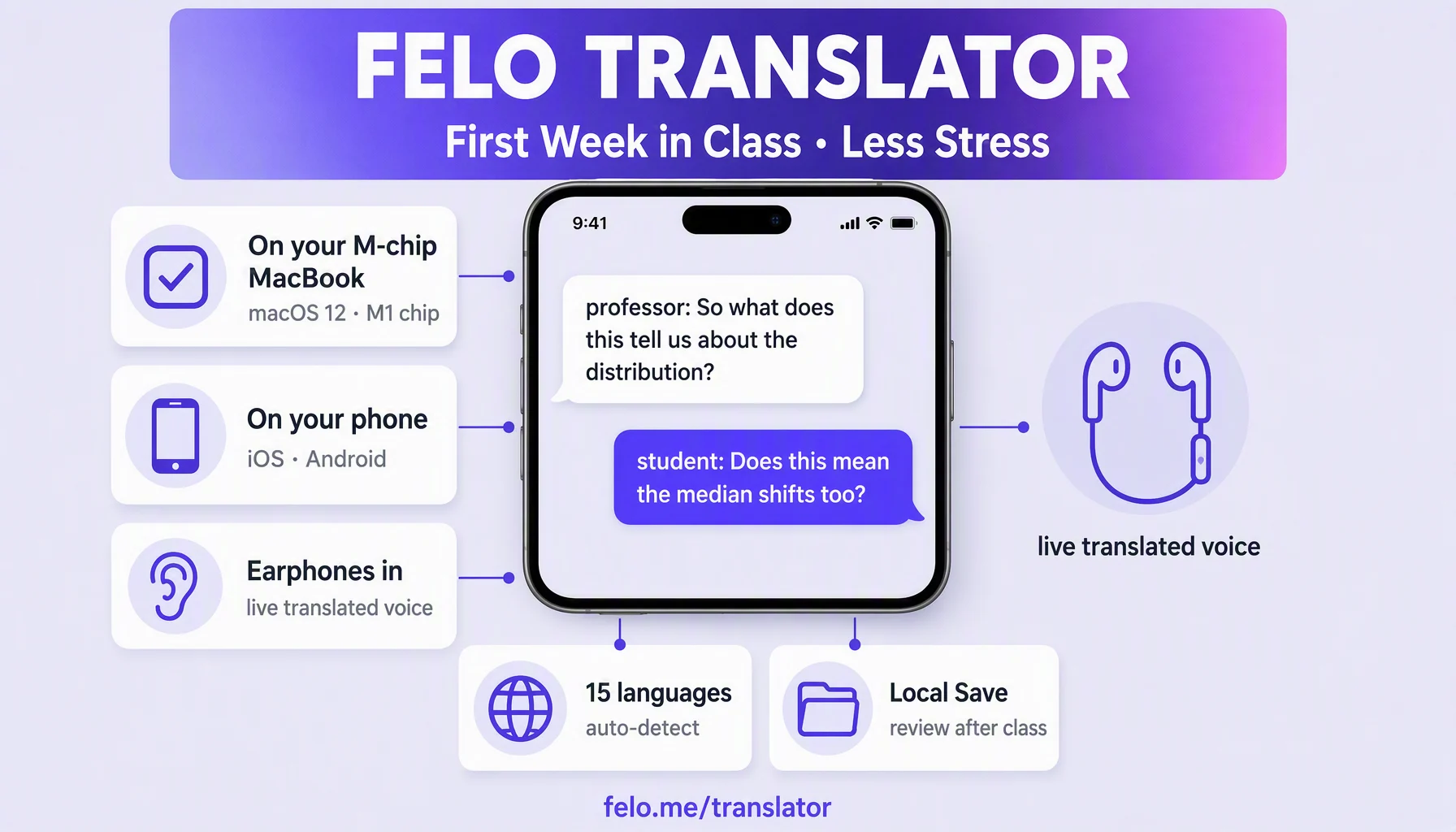
- Install it everywhere you study. The official product page sends you to the App Store for iOS and Google Play for Android — that's your phone. For the Mac: the Felo Translator listing on the Mac App Store reads "Requires macOS 12.0 or later and a Mac with Apple M1 chip or later," so on an M-series MacBook you can install the app straight from the Mac App Store and be covered at a desk or walking into a lecture.
- Set the pair and test it for 30 seconds. The app supports 15 languages — the official list: Korean, Japanese, German, English, Simplified Chinese, Czech, Thai, Spanish, French, Taiwanese Mandarin, Italian, Russian, Cantonese, Indonesian, Vietnamese. The listing says the app automatically detects the languages spoken by both parties; I still set my pair (English → my language) before class. My test is reading one sentence of the syllabus out loud: if the text comes back right in five seconds, we're good.
- Plug in earphones and turn on Local Save. The official feature set has three parts: Voice Translation (your speech becomes text in another language), Translation Reading (the result is read out loud with natural prosody), and Local Save (the conversation stays stored on your device). Long classes run on battery; check the earphone mic picks you up clearly — that's the mic the translation reads from.
What I do when the professor starts speaking
- Open Felo Translator and start a session before slide two. One live conversation at a time — the app listens, transcribes, and translates as it goes, and the screen shows the text as it is spoken.
- Sit where the app can hear you. The closer my phone is to the professor's voice, the cleaner the transcript. Front rows, middle of the hall — sit early rather than lose the thread.
- Put the earphones in and let the reading do the work. In class, the voice that reads your language comes through the earphones while the professor's English comes through the room. You hear the lecture in both: the original is happening live, and the translated version catches up inside your ear. That is what a pocket translator never did — real translated speech inside a lecture, without holding a screen.
- Keep your own English ear on. Treat the translated voice as a lifeline for the words you miss, not a replacement for the professor. Let it own the lecture and you stop learning the professor's accent — and that accent is half the semester.
- Ask questions in short turns. Something like: professor: "So what does this tell us about the distribution?" — you, one short sentence: "Does this mean the median shifts too?" Short turns keep the catch clean; the app runs both directions — my language comes back as spoken English for the professor, and theirs comes back to me as text and voice.
- After the lecture, skim the saved session. The listing says conversations and translation content are archived automatically — I open Local Save during the break and skim what I missed. Five minutes, and a lecture that would have taken an evening of rewatching is already notes.
- Review on the MacBook in the evening. Transcript on one side of the screen, my notes on the other. Small screens are fine on the go; an M-series MacBook is where saved sessions become real study material.
Three moments it earned its place
The 90-minute economics lecture. Statistics with a professor who uses "infrastructure" in the same sentence as "Monte Carlo simulation." The transcript caught definitions I'd have handwritten as half-sentences; my evening review turned a scramble to borrow notes into two maps of the topic.
The seminar round-table. A seminar where the professor keeps turning to examples — "imagine you're a small bakery on a rainy day, right? That's called demand elasticity." Those asides land in my language version while my notes keep the structure.
The review night before the first quiz. No rewatched videos — the archived session from that day, read alongside the slides, was it. That is when I stopped "attending" class and started following it.
What made it smoother
- Front of the room, always. Microphone distance is the real input: an empty desk in row one beats a noisy table in row six.
- Short turns, loud voice. Fifteen to twenty words, spoken toward the device. The app is built for live conversation, and live conversation is short turns.
- One earphone, one ear out. One ear stays on the room: when the professor is slow and clear, the room is the lecture again.
- Plug in before the long classes. Live transcription runs on the battery — a power bank saves the last half hour.
- Update the app before the semester. New recognition and translation work lands in releases; the week before classes, release notes popped up adding new languages. Check the App Store page.
What it doesn't do
- It doesn't work offline. Live translation and transcription need a network connection. Local Save keeps files and data on your device; that is not offline translation — a room with no signal is a room without my setup.
- It isn't a magic fix for a giant auditorium. The app is built for real conversation: close mic, live voices. In a 300-seat hall, sit early and sit close.
- Names, formulas, and idioms come back approximately. A translation carries meaning, not a calculus proof — verify formulas, professor names, and idioms against the slides, not the transcript.
- Only 15 languages. If your language isn't in the official list (see the prep section above), the class use case doesn't serve you — check before you set up anything else.
- It keeps you in the lecture, but it doesn't do the course for you. The app helps you stay on the thread; it doesn't replace the reading, learning the definition, or your school's own policy on assistant apps — ask your professor about that one early.
FAQ
Can I use Felo Translator on my M-chip MacBook in class?
Yes. The Mac App Store listing says it requires macOS 12.0 or later and a Mac with an Apple M1 chip or later — that covers M-chip MacBooks. Your phone runs the same app (App Store for iOS, Google Play for Android).
Is it allowed in exams?
The app is a lecture companion, not a test tool — and every school has its own policy on translation and AI-assisted apps. Ask your coordinator before any quiz or exam, not after.
Do I need to pay to use it in class?
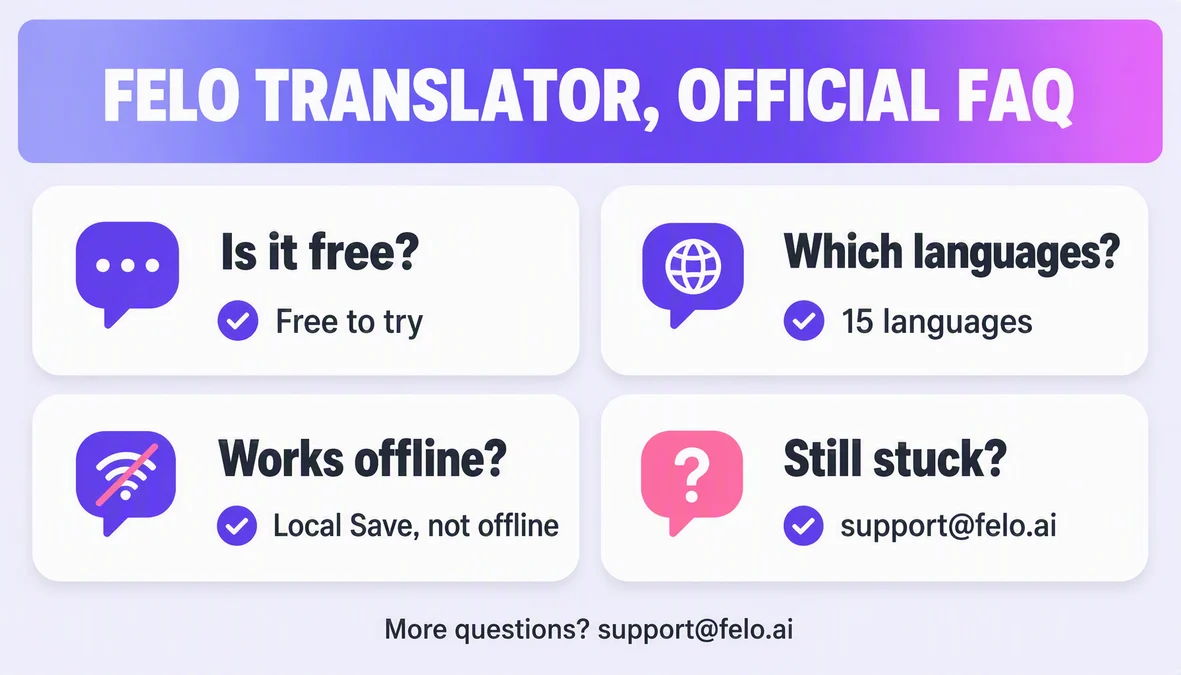
You can try it free. Pro carries unlimited real-time voice translation and transcription — annual at $239.99 USD (priced from $599), monthly at $39.9 USD (priced from $59.9), plus a $0.99 one-day try-out and a $3.9 120-minute pack. Use the free try for your first lecture; pay only if it actually helps you sit through it.
What if my language isn't in the official 15?
Then the classroom use case stops. The 15 are the ones in the prep section — Korean, Japanese, German, Simplified Chinese, Czech, Thai, Spanish, French, Taiwanese Mandarin, Italian, Russian, Cantonese, Indonesian, Vietnamese, plus English as the pair. If yours is missing, write to the Felo support address and ask — they answer language requests.
By the Felo Editorial Team. The Felo Editorial Team writes about language, voice translation, and the details of talking across borders. Felo Translator is a real-time voice translation app in 15 languages — try it free at felo.me/translator.