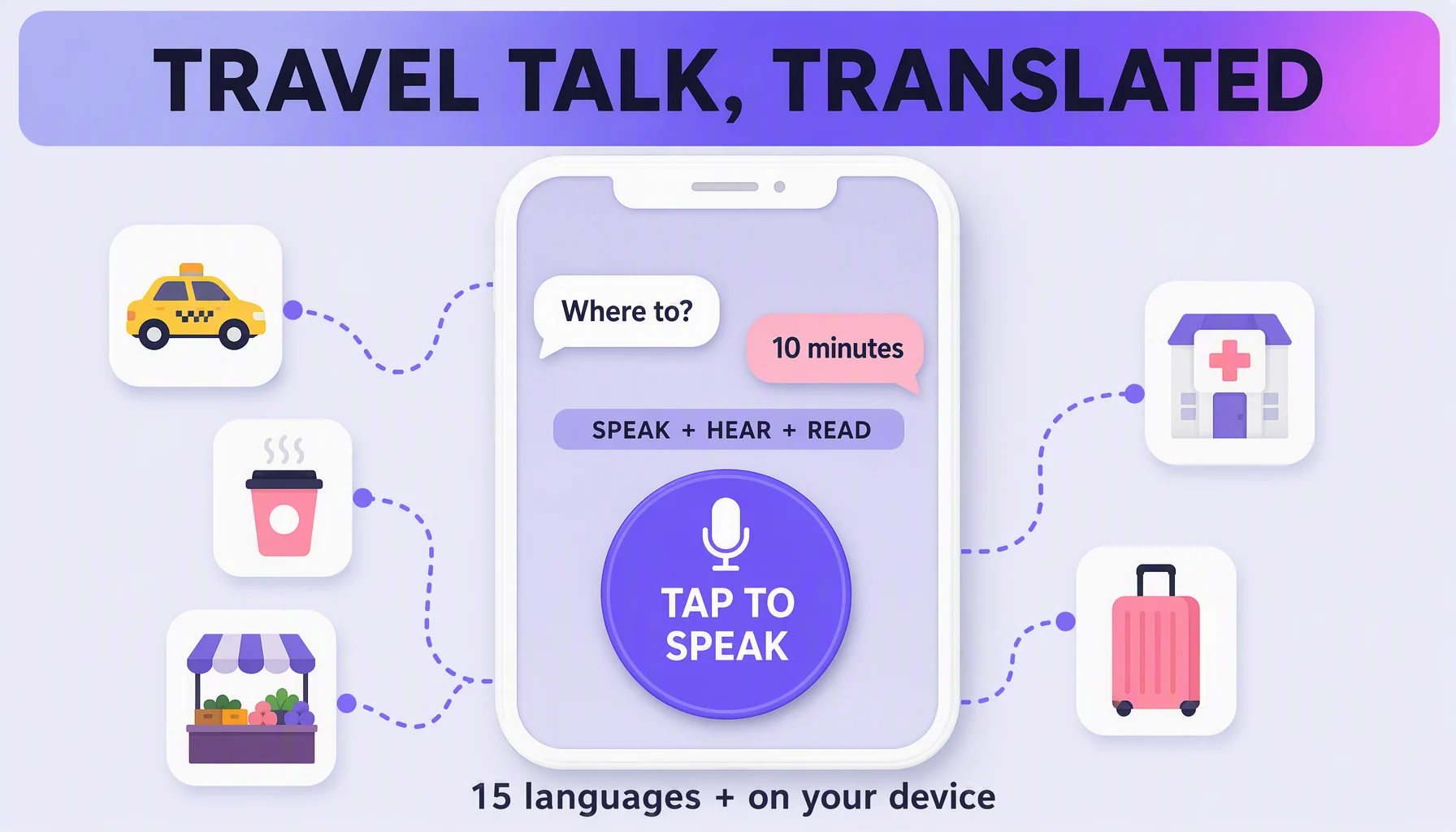
The hardest part of travel is not finding a hotel — it is negotiating a taxi when the driver speaks another language, asking a pharmacist to recommend something, or confirming a train platform without a shared vocabulary. A real-time voice translation app handles all three. This guide is the workflow across that day: what to install and set up before you go, how to run each conversation, and what to do with the conversation afterwards.
Before you go (2 minutes)
- Install the app. Felo Translator is on iOS (App Store) and Android (Google Play) — both are the official builds linked from the product pages.
- Check your pair against the 15. The official list: Korean, Japanese, German, English, Simplified Chinese, Czech, Thai, Spanish, French, Taiwanese Mandarin, Italian, Russian, Cantonese, Indonesian, Vietnamese. If one side of your pair is not there, the app is not your tool — check before you board, not at the taxi stand.
- Say the two key sentences once with the app: "Please speak slowly" and "Can you show the screen?" You will not repeat them every time, but the first ten seconds tell you where Language and Volume live.
How you run each conversation
Speak in your language, let the app speak the translation and show it on the screen, and let the other person answer straight back — the app translates both directions, and the other person can read or hear either result. For a face-to-face conversation, treat the phone as a helper in the room, not a machine you pass around:
- Put the phone on the table between you, screen angled toward both people.
- Say one thing at a time — two sentences is the comfortable limit; a paragraph is not.
- Wait one beat. The translation comes a second or two behind; a pause is normal, not a freeze.
- Read the screen, then say it back. If the number or the address matters, confirm in your own language once more and wait for the nod.
- Keep Local Save on (the on-device conversation storage) — this makes the record, not the photo of a ticket.
The four conversations that actually happen
Taxi — the destination. Name it twice: the landmark and the written address. Then confirm the price before you move. The number is the thing you most need correct, so it gets the confirm-twice treatment.
Café or shop — the short-order game. "No sugar." "This one." "How much?" Point while you speak. The screen shows the translation while the app speaks it, so the other person can read along instead of asking you to repeat.
Clinic or pharmacy — the careful one. Speak slowly, keep Local Save on, and confirm anything urgent twice: once in the app, once by asking the other person to point at the line they understood. The saved conversation is your own record of the exchange afterwards.
Market — the negotiating one. Numbers, "too expensive", "last price?" — short statements read cleanly on the screen and translate reliably. Long polite sentences are where the price matches your surprise, not your bid.
Tips that make it smoother
- One language per side, no handoffs. You speak yours, they speak theirs, the app stays put. It is a translator in the room, not a relay in your hands.
- Let the other person listen, not just read. Translation Reading speaks the translation with natural prosody — more like a person than a machine — so step back and let the app deliver a sentence before you start the next one.
- Use quiet moments. Face the speaker, avoid wind and street noise when you can. It helps more than most settings.
- Take the day's record with you. Local Save stores conversations on your device, so the address, the room number, or the pickup point is re-checkable an hour later instead of reconstructive.
Watch out for
- Languages outside the 15 are a no-go. No general translator is a workaround inside this app — pair check first.
- Live translation needs a connection. Local Save keeps conversations on your device; it is not offline translation, so hotel lobbies with good Wi-Fi beat the airport lounge.
- Names and terms do not translate. Street names, meds, and brand names come through as-is — confirm them with a screen-point, not with your hearing.
- Loud surroundings cut both ways. The app works with real-world audio, but a shouty market will mix your voice with everyone else's. Short bursts help.
FAQ
What if my language is not in the 15? Then the app is not your tool for that pair. The list is on the official felo.me/translator page; for pairs outside it, use a general translator — or ask a local person to type it, which works more often than expected.
Does it work in a loud market or on the street? Yes, but under conditions: modern voice translation is built for messy real-world audio, and it still helps — a lot — to face the speaker and avoid the wind.
Can the other person read the translation? Yes. "Hear or read your translations" is Felo Translator's own description of its output — the screen shows it while the app speaks it.
What if I miss a number or an address? Local Save keeps the conversation on your device, so the price, room number, or pickup point is there when you need it — this is what to switch on before the first taxi.
By the Felo Editorial Team. The Felo Editorial Team writes about language, voice translation, and the details of talking across borders.