Live Translator Devices vs Apps: Which One Should You Buy?
You've seen the ads: a sleek gadget that translates conversations in real time, no phone required. It costs $100–$300 and promises seamless communication in dozens of languages. But your phone already has translation apps — some free. Is a dedicated device worth the money?
This guide compares dedicated translator devices with phone apps across cost, convenience, and real-world use.
Before You Decide
- Estimate how often you'll use it. If you travel twice a year, a $250 device is hard to justify. If you work in multilingual customer service daily, the math changes.
- Check your language needs. Most devices support 40–100+ languages, but verify your specific pair — and whether both directions work well.
- Consider connectivity. Both devices and apps need internet. In areas with spotty coverage, neither works reliably.
How They Work
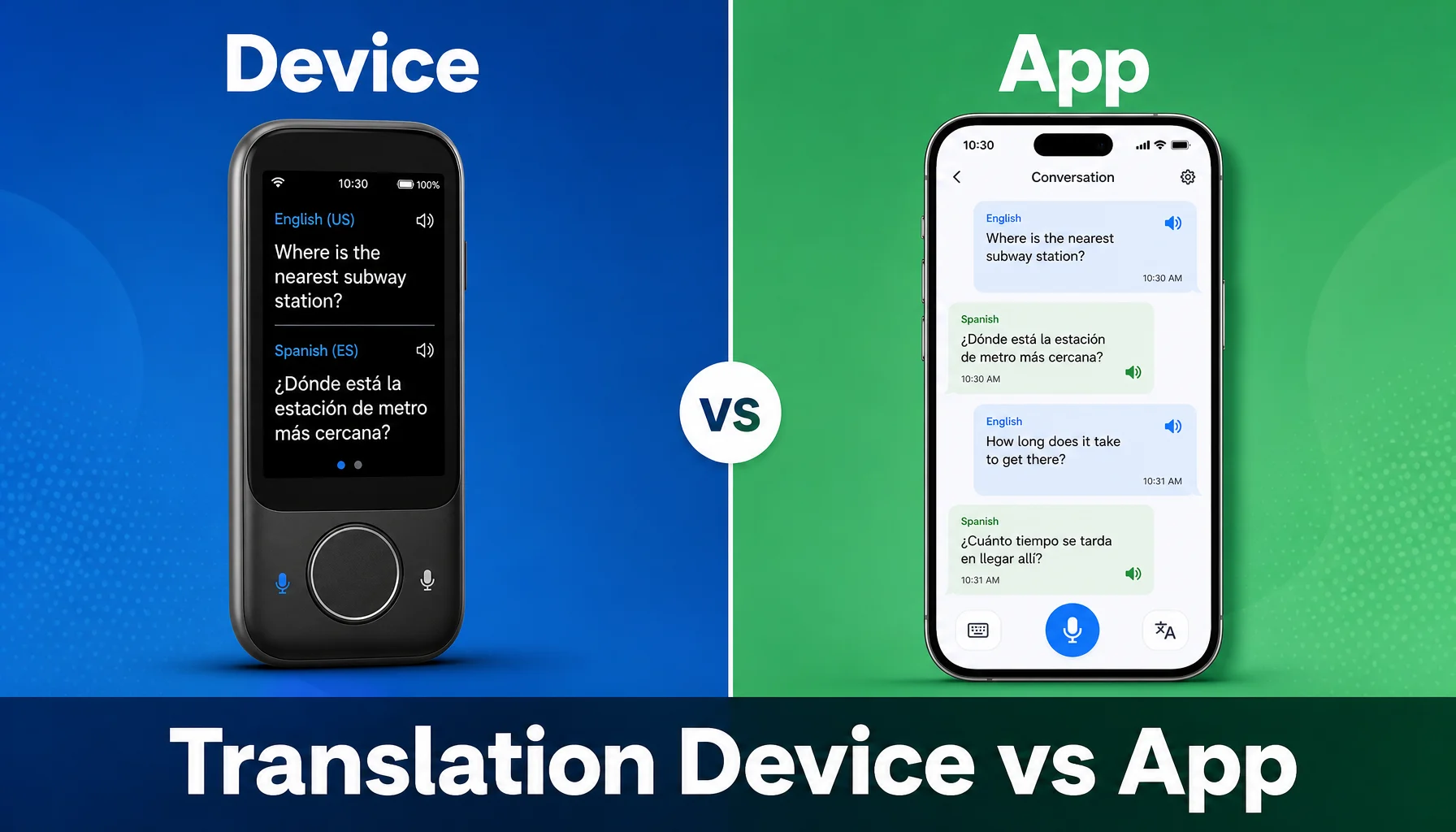
Devices: Small handheld units with microphones, speakers, sometimes earbuds. You speak → audio goes to cloud → translated speech plays back in 1–3 seconds. Most use Wi-Fi or built-in cellular. Battery lasts 6–12 hours.
Apps: Software on your phone using your phone's microphone, speaker, and internet. Same pipeline, but runs on hardware you already own. Apps drain battery 20–40% faster. Many include text translation, camera translation, and phrasebooks.
Cost Comparison
Devices: $100–$300 upfront, plus $5–$15/month subscription (some require it), plus $5–$20/month for cellular data if built-in. Total first year: $150–$500.
Apps: Free to download. Premium tiers: $5–$40/month. Uses your existing data plan (or travel eSIM: $10–$50). Total first year: $0–$480.
The real math: If you use a translation app 30 minutes a day, 5 days a week for a year (~130 hours), a $10/month app subscription costs $120. A $200 device with $10/month data costs $320. The app is cheaper unless the device offers something the app can't.
Scenario Examples
Scenario 1: Backpacking Southeast Asia for 3 weeks. You need Thai, Vietnamese, Indonesian for directions, food, and bargaining. A phone app handles this perfectly. You already have the phone and data. A $200 device for a 3-week trip doesn't make sense.
Scenario 2: International sales rep, 6 countries per quarter. Back-to-back meetings switching between English, Japanese, German, Spanish. A dedicated device is always charged, always ready, doesn't compete with your phone's other functions. The $250 upfront cost pays off over a year of travel.
Scenario 3: Hotel front desk serving international guests daily. You need a translation tool any staff member can use without unlocking a personal phone. A tablet with a translation app ($0–$200) or a dedicated device ($250) both work. The app-on-tablet approach is usually cheaper and more flexible.
Tips for Better Results
- Test before you buy. Download a free app and use it for a week. If it meets your needs, you don't need a device. For devices, check the return policy.
- Prioritize your language pairs. Both devices and apps vary by language pair. English-to-Spanish is mature; English-to-Nepali less so. Check reviews for your specific languages.
- Keep both options available. Even with a device, keep a phone app as backup. Devices run out of battery or lose connectivity.
- Use speaker mode for face-to-face conversation. Place the device (or phone) between you and the other person. Both speak toward it; the tool translates each speaker's language.
Limitations of Both Options
- Both need internet. Neither works offline for real-time voice translation. Some offer limited offline text translation.
- Both struggle with noise. Background noise and multiple speakers reduce accuracy. Dedicated devices sometimes have better microphones, but the gap is narrowing.
- Neither replaces fluency. Tools help you communicate, but they don't build relationships. For long-term stays, learning the language adds value no device matches.
- Accuracy varies by language. Both perform better for high-resource languages (English, Spanish, Chinese, French) than low-resource ones (Nepali, Czech, Vietnamese).
- No photo/OCR on voice-focused tools. Dedicated devices often include a camera for sign translation, but voice-focused apps (including Felo Translator) do not.
How Felo Translator Compares
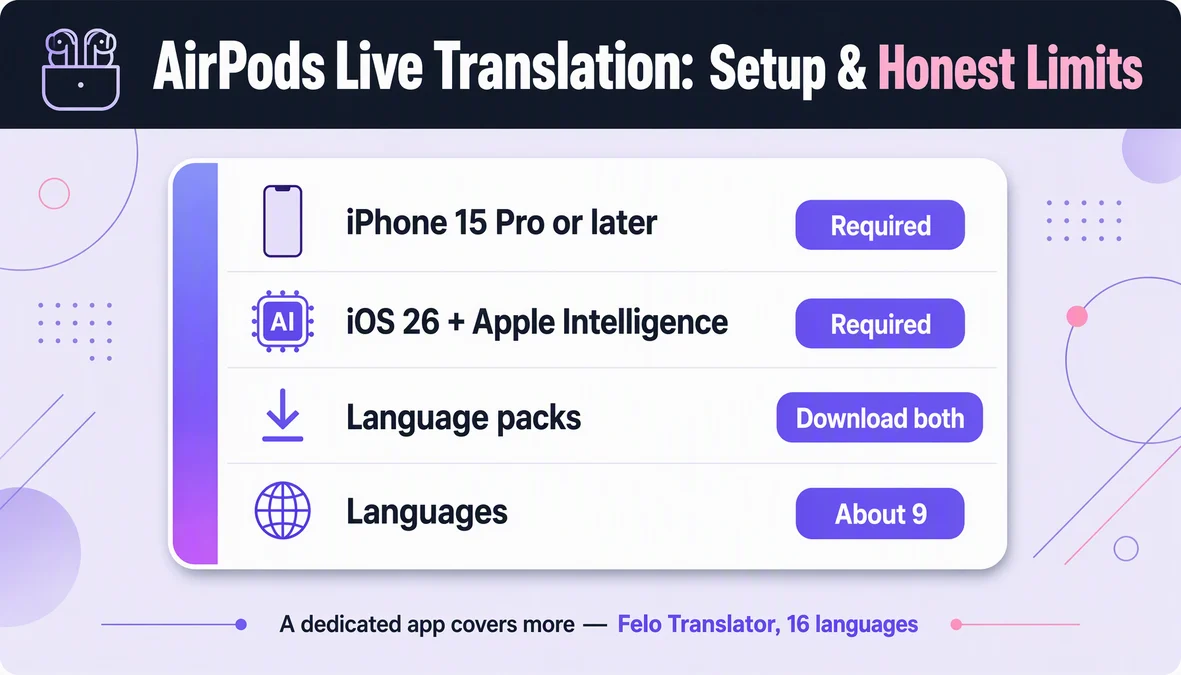
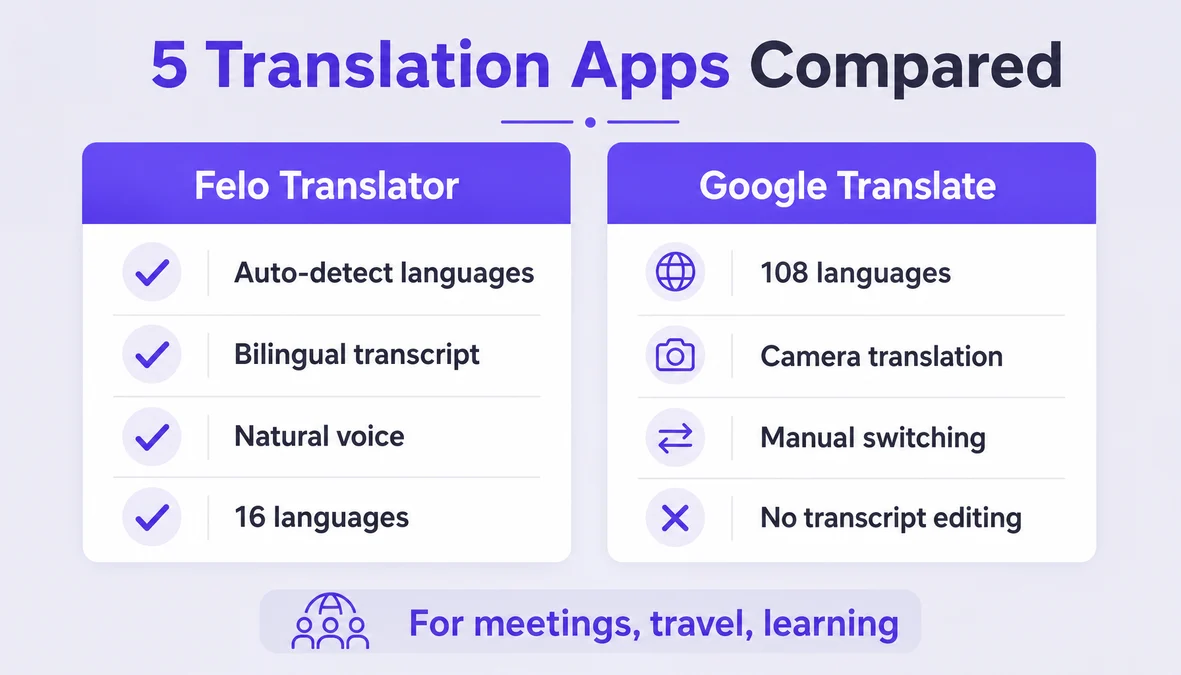
Felo Translator is a voice translation app for iOS and Android, supporting 16 languages: Korean, Japanese, German, English, Simplified Chinese, Taiwanese Mandarin, Cantonese, Czech, Thai, Spanish, French, Italian, Russian, Indonesian, Vietnamese, and Nepali.
Unlike dedicated devices, Felo runs on a phone you already own — no extra hardware. The app auto-detects both languages, produces natural voice output, and saves a bilingual transcript locally.
Pricing: $0.99 for a 1-day trial, $3.90 for 120 minutes, $39.90 monthly, or $239.99 yearly. No offline mode; photo translation not supported.
For most travelers and professionals, the app is enough. If you need a dedicated device because your phone battery is precious or you work where phones aren't allowed, hardware may make sense.
Try it at felo.me/translator.
FAQ
Are dedicated devices more accurate than phone apps? Not necessarily. Most use the same cloud translation engines. Accuracy depends on microphone quality — dedicated devices sometimes have better hardware, but modern phones are close. For most language pairs, accuracy is comparable.
Can I use an app instead of buying a device? Yes, for most use cases. A phone app handles the same core function. Trade-offs: battery drain, need to open the app, potentially less convenient speaker placement. If those matter, a device may be worth it.
Do translator devices work without a phone? Most standalone devices work independently with built-in Wi-Fi or cellular. Some earbud-style devices need phone pairing for setup. Check specs if you want fully standalone.
What's the cheapest way to get live translation for travel? Download a free app (Google Translate, Microsoft Translator, or Felo's $0.99 day trial) and use your phone. Get a travel eSIM for data ($10–$30 for a week). Total: $0–$31 for the trip. This covers most travel needs without dedicated hardware.
By the Felo Editorial Team. The Felo Editorial Team writes about language, voice translation, and the details of talking across borders.
Felo Translator is a real-time voice translation app in 16 languages, at felo.me/translator.