Simultaneous translation apps let you have conversations across languages without waiting for each sentence to finish — the app transcribes and translates while both people speak. If you're in multilingual meetings, traveling, or practicing a language, these apps save you from awkward pauses.
This guide compares 5 simultaneous translation apps on the features that actually matter: language coverage, accuracy, offline mode, and price. You'll see which app fits which situation.
Before You Compare
Three things to check before picking an app:
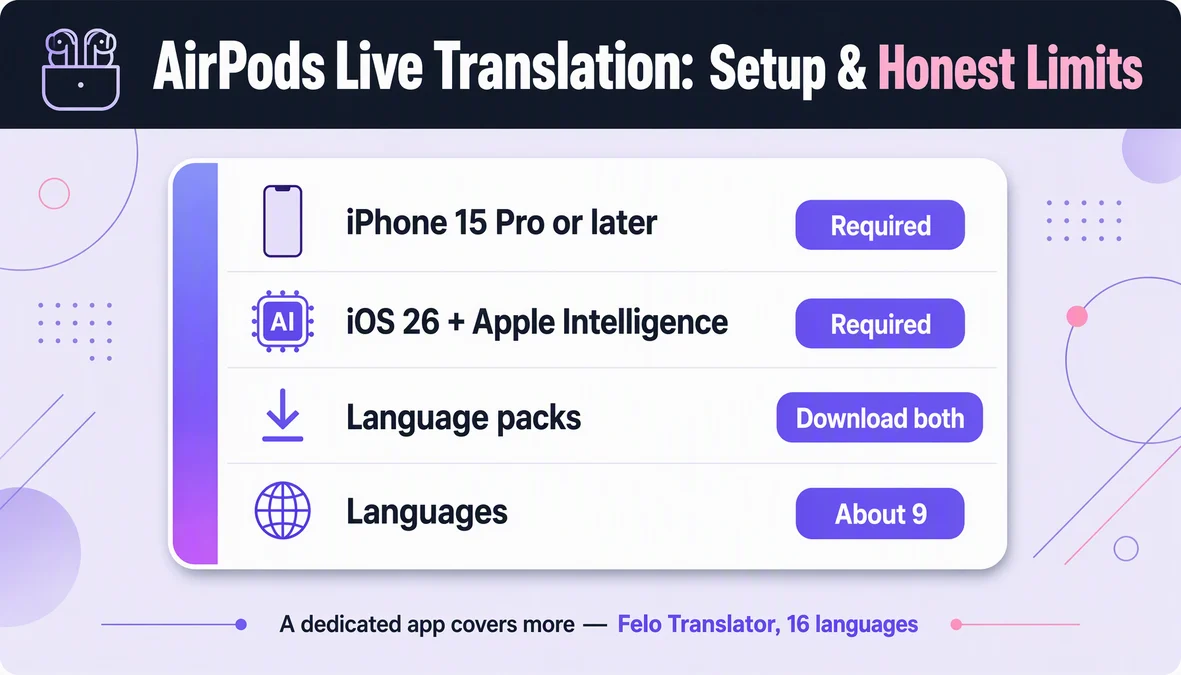
- Confirm your language pair. Not all apps support the same languages. Felo Translator covers 16: Korean, Japanese, German, English, Simplified Chinese, Taiwanese Mandarin, Cantonese, Czech, Thai, Spanish, French, Italian, Russian, Indonesian, Vietnamese, and Nepali.
- Decide if you need offline mode. Most simultaneous translation requires internet. If you'll be in areas with poor connectivity, check which apps offer offline packages.
- Check platform support. iOS, Android, or both? Some apps are mobile-only; others have web or desktop versions.
How Simultaneous Translation Works
Simultaneous translation apps use speech recognition to transcribe what's being said, then translate the text in real-time. The key difference from consecutive translation (where you wait for the other person to finish) is speed — you see translations appear as the person speaks, with only a 1-3 second delay.
Most apps work in two modes:
- Two-way conversation: Both speakers talk, and the app auto-detects which language is being spoken, showing translations for each.
- One-way listening: You listen to someone speaking a different language, and the app shows translated subtitles on your screen.
For meetings and conversations, two-way mode is essential. For lectures or videos, one-way listening works fine.
5 Apps Compared
1. Felo Translator
Best for: Two-way conversations, bilingual meetings, travel
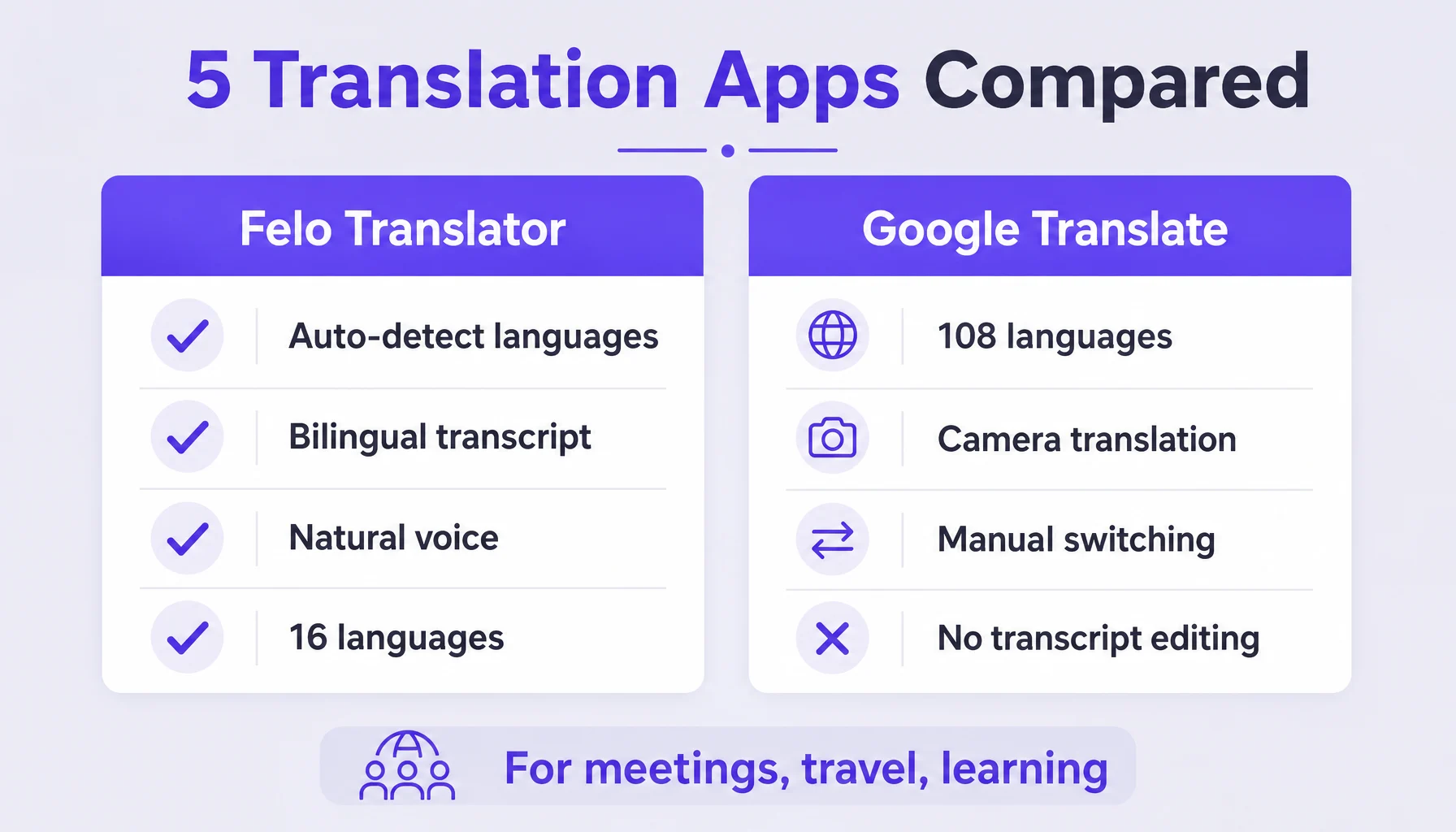
Languages: 16 (Korean, Japanese, German, English, Simplified Chinese, Taiwanese Mandarin, Cantonese, Czech, Thai, Spanish, French, Italian, Russian, Indonesian, Vietnamese, Nepali)
Key features:
- Auto-detects both speakers' languages in two-way mode
- Bilingual transcript you can edit and share
- Natural voice reading of translations
- Local save for transcripts (not offline translation)
- iOS + Android
Price: 1-Day Trial $0.99 (from $4.9) · 120 minutes $3.9 · Monthly $39.9 · Yearly $239.99
Strengths: GPT-based translation handles context better than phrase-matching. The bilingual transcript is useful for reviewing meetings or studying language nuances. No account required.
Limitations: Requires internet (local save ≠ offline translation). Arabic and Hebrew are not supported as translatable languages (only as site UI locales).
2. Google Translate
Best for: Quick single-word lookups, text translation, 100+ language coverage
Languages: 108
Key features:
- Conversation mode for two-way dialogue
- Camera translation for signs and menus
- Offline language packs available
- Free
Price: Free
Strengths: Huge language coverage. Offline mode works for many languages. Camera translation is handy for travel.
Limitations: Conversation mode is less polished than dedicated apps — it requires manual language switching. Accuracy varies widely across language pairs. No editable transcript.
3. DeepL Translate
Best for: High-quality text translation, document translation
Languages: 30 (for text translation)
Key features:
- High-quality neural machine translation
- Document translation (PDF, Word, PowerPoint)
- Glossary feature for custom terms
- iOS + Android + Web
Price: Free tier · Pro $7.49/month (500k characters)
Strengths: Translation quality is often better than competitors, especially for European languages. Document translation is a unique feature.
Limitations: No voice conversation mode. Limited language coverage compared to Google. Voice input is for dictation, not simultaneous translation.
4. Microsoft Translator
Best for: Business meetings, group conversations
Languages: 100+
Key features:
- Multi-device conversation (up to 500 people)
- Phrasebooks for travelers
- Offline mode for some languages
- Integrates with Skype, Teams
Price: Free for personal use · Business pricing varies
Strengths: Multi-device conversation is powerful for large meetings. Good integration with Microsoft ecosystem. Offline mode available.
Limitations: Setup for multi-device conversations can be complex. Translation quality is good but not as refined as DeepL for text.
5. iTranslate
Best for: Travel phrasebooks, quick voice translation
Languages: 100+
Key features:
- Voice translation in conversation mode
- Apple Watch app
- Phrasebooks for common travel situations
- Offline mode (premium)
Price: Free with ads · Premium $4.99/month
Strengths: Apple Watch integration is convenient. Travel phrasebooks are well-organized.
Limitations: Free version has ads. Translation quality is inconsistent. Conversation mode requires manual switching.
Which App Should You Choose?
For bilingual meetings: Felo Translator. The auto-detection of both speakers' languages and editable bilingual transcript make it the best choice for professional conversations. Google Translate and Microsoft Translator work, but require more manual switching.
For travel: Google Translate. The 108-language coverage, offline mode, and camera translation make it the most versatile for travel situations. Felo Translator's 16 languages cover the most common travel destinations, but Google's broader coverage helps in less common locations.
For document translation: DeepL. If you need to translate PDFs, Word docs, or presentations, DeepL's document translation is unmatched. None of the other apps offer this.
For large group meetings: Microsoft Translator. The multi-device conversation feature (up to 500 people) is unique and powerful for conferences or team meetings.
For Apple Watch users: iTranslate. If you want translation on your wrist, iTranslate's Apple Watch app is the only option.
How Felo Translator Handles Simultaneous Translation
Felo Translator's simultaneous translation uses GPT-based speech recognition and translation, which handles context better than older phrase-matching systems. For two-way conversations, the app auto-detects both speakers' languages — you don't need to manually switch between "I'm speaking English" and "Now they're speaking Japanese."
The bilingual transcript shows both the original and translated text side by side, which is useful for reviewing meetings or studying language nuances. Felo also reads translations aloud in a natural voice, so you can listen instead of reading — helpful when your hands are full or you're multitasking.
All transcripts save locally on your device, so you can review them later without needing to stay connected. If you're exploring simultaneous translation for meetings, travel, or language learning, you can try Felo Translator at felo.me/translator.
FAQ
What's the difference between simultaneous and consecutive translation? Simultaneous translation happens in real-time as the person speaks (1-3 second delay), while consecutive translation waits for the speaker to finish a sentence or paragraph before translating. Simultaneous is faster and more natural for conversations; consecutive is more accurate for formal speeches.
Do simultaneous translation apps work offline? Most require internet for real-time translation. Some apps, like Google Translate and Microsoft Translator, offer offline language packs, but accuracy may be lower. Felo Translator requires internet for translation, though transcripts save locally.
Which app has the most languages? Google Translate supports 108 languages, the most among the apps compared. Felo Translator covers 16 languages (Korean, Japanese, German, English, Chinese variants, Czech, Thai, Spanish, French, Italian, Russian, Indonesian, Vietnamese, Nepali), focusing on quality over quantity.
Can I use these apps for professional meetings? Yes, but quality varies. Felo Translator's bilingual transcript and auto-detection make it well-suited for professional meetings. Microsoft Translator's multi-device feature is good for large groups. For critical meetings, consider testing the app beforehand with your specific language pairs.
By the Felo Editorial Team. The Felo Editorial Team writes about language, voice translation, and the details of talking across borders.
Felo Translator is a real-time voice translation app in 16 languages, at felo.me/translator.