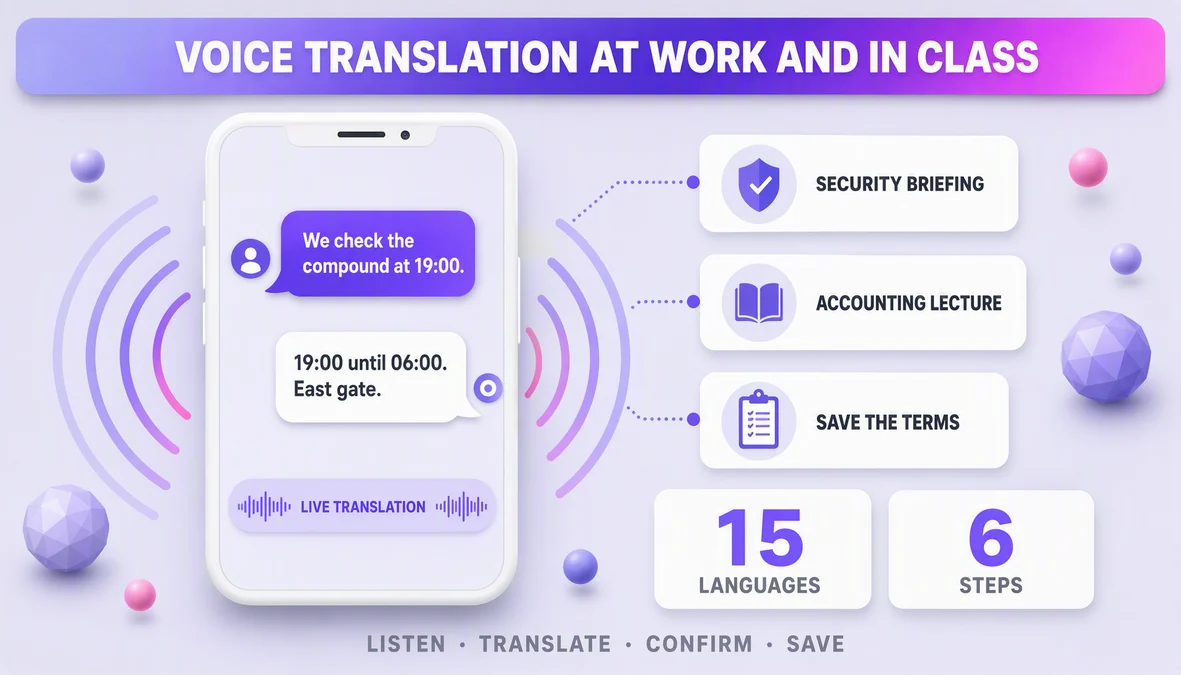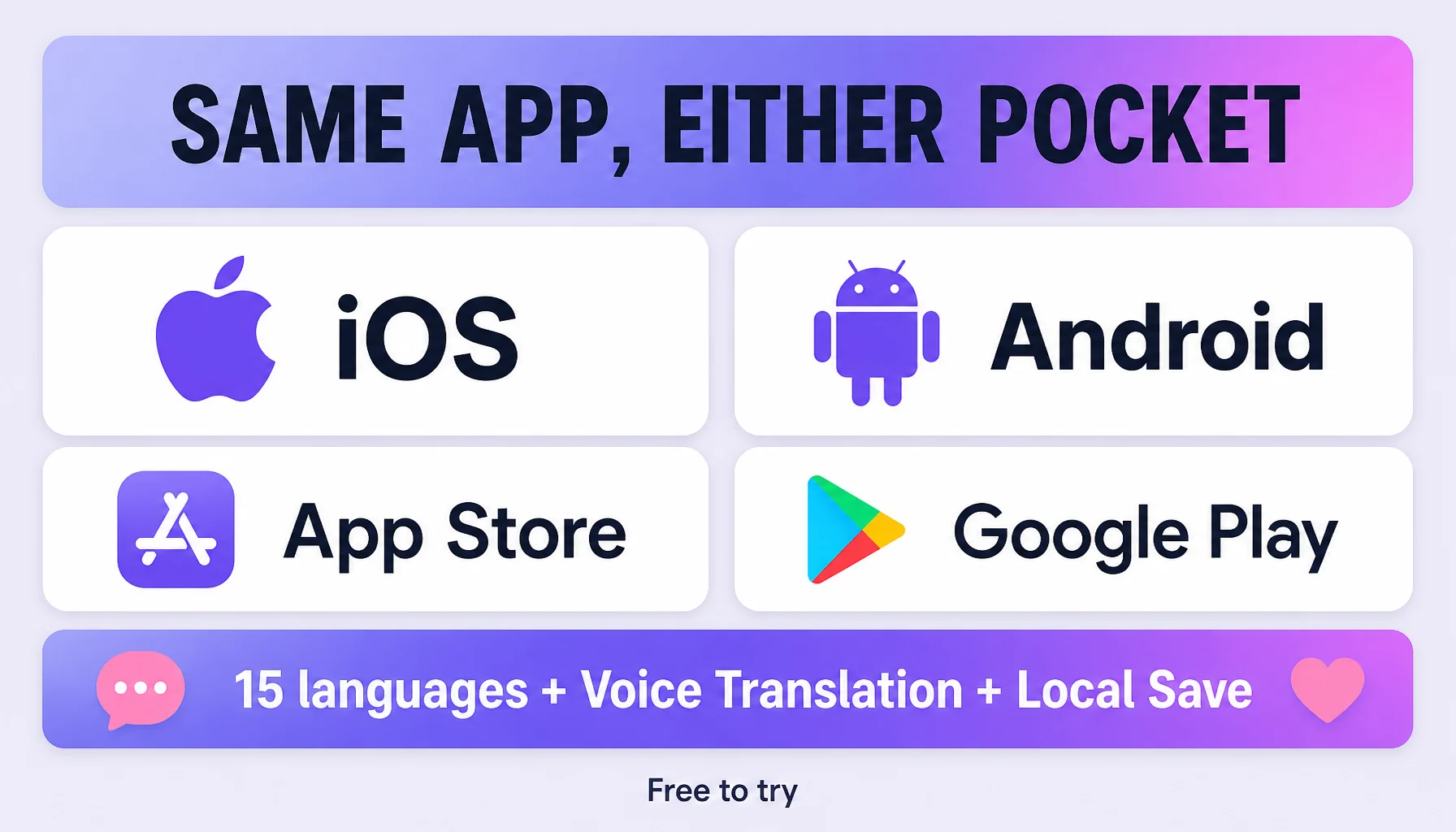
Felo Translator is a phone-first product — the translation happens inside a conversation, and the conversation happens wherever the phone is. So the first decision is not which app, it is which store: iOS (App Store) or Android (Google Play). Both deliver the same documented feature set — real-time AI voice translation with GPT-based models across 15 official languages, Voice Translation, Translation Reading with natural read-back, and Local Save on-device storage. This guide covers the acquisition: where to install from, what to check in the store listing before you tap Install, and what to test in the two minutes after.
How to get it
- Start on the product page, not the search box. felo.me/translator links to the official iOS App Store and Google Play listings. The lineage from the product page matters more than the store string, so begin there.
- Read the publisher line. Install from the listing linked by felo.me; when in doubt, go through the product or pricing page to the store.
- Check the feature names. Voice Translation, Translation Reading, and Local Save should all appear in the listing, because that is the exact feature set the product documents — and it is the same on both platforms.
- Check the timestamps. A store listing tells the current version. If you read the product pages' promises months ago, re-check: a "15 languages" today can be 16 tomorrow, and the official pages update first.
- Look at the recognition line. Product Hunt 2024 Top Rated appears on the official page — a listing carrying the same name, features, and claim is a good signal you are at the right build.
- Install on the phone you carry. iOS and Android get the same product: 15 official languages, real-time AI voice translation, natural read-back, on-device storage.
- Check your pair is in the 15. Before relying on it, confirm both sides of your conversation are in the official language list — the same list on both platforms.
- Buy in the app, not on the web. The official pricing page states "Please make your purchase in the Felo Translator App." The app is where the account lives.
Before you trust it, test it
- One tap to talk. Speak, get the instant voice-to-text translation, hear or read the result — that is the whole loop, and it runs the same way on both platforms.
- Check an RTL screen. If a conversation might include a screen-shared translation for an Arabic or Hebrew speaker, check how the app renders the direction. It is a rendering detail worth a ten-second test before the real conversation.
- Test at normal volume, in a quiet room. Conversation apps are the closest you get to live use; start quiet and normal, then get louder with the surroundings.
- Run one short real conversation before the important one. Bring your actual pair out for a test, and keep Local Save on so the conversation leaves the room with you.
Tips that make it smoother
- Go through the product page every time. It links both stores, so the download always matches the promises you just read.
- Treat the listing as current, not remembered. For anything version-specific, your own platform's listing is the most recent word — do not fill gaps with assumptions from the other store.
- Pass the phone, don't relay. The app speaks translations with natural read-back and shows them on screen; hand it over and let the other person read or hear either direction.
- Both platforms, one product. The deciding factor is the phone you carry, not the platform you researched.
- Keep Local Save on from the first minute. On-device storage makes the whole conversation re-checkable later instead of reconstructive.
Watch out for
- The 15 is a hard line. One side of the pair outside the list and that conversation does not work — check before you rely on it, not at the table.
- Local Save is storage, not a second engine. It keeps conversations on your device; it does not add languages or enlarge the feature set.
- This app is phone-first. Web and desktop are a different product class; the official download links go to the app stores, and felo.me offers web-based translation tools separately.
- Today's listing is today's truth. Official pages update first, so a promise you read months ago warrants a thirty-second re-check before an important conversation.
- Only your device settles it. Microphone handling and background-noise behavior differ by device and environment. The documented features are the same; the experience is only provable on the phone in your pocket.
FAQ
Is Felo Translator available on desktop or web? No — the official product and pricing pages point to iOS and Android, and the official "Download Felo Translator App" links go to the app stores. Web-based translation tools on felo.me are a different product class from the voice translation app.
Is the iOS version different from Android? The documented product features are the same: Voice Translation, Translation Reading, Local Save, and the same 15 languages. Anything platform-specific appears in each store's listing, which is the current source of truth for that device.
How do I manage my plan or pack? In the app. Purchases and plan management happen there, and the app is where the account lives.
Which platform is better for voice translation? The one you carry. Both platforms run the same documented features; real differences in microphone handling and background-noise behavior can only be checked on your actual device, with your actual environment.
By the Felo Editorial Team. The Felo Editorial Team writes about language, voice translation, and the details of talking across borders.