The same questions come up before anyone downloads Felo Translator — is it free, which languages, does it work offline, what happens to a conversation, where do I get help. Here is the official set of answers, from the product pages and the app-store listings. If your question is not in the list, the last answer shows where to take it.
What is Felo Translator?
Felo Translator is a real-time AI voice translation and transcription app. On official pages it is described as a simultaneous interpretation app: instant voice-to-text, high-speed transcription, and high-precision translation powered by GPT-based technology. Three features carry most of it — Voice Translation (your voice converts to another language instantly), Translation Reading (the result is read with natural prosody for the emotion and meaning of the sentence), and Local Save (the conversation is stored on your device).
How much does it cost, and is there a free trial?
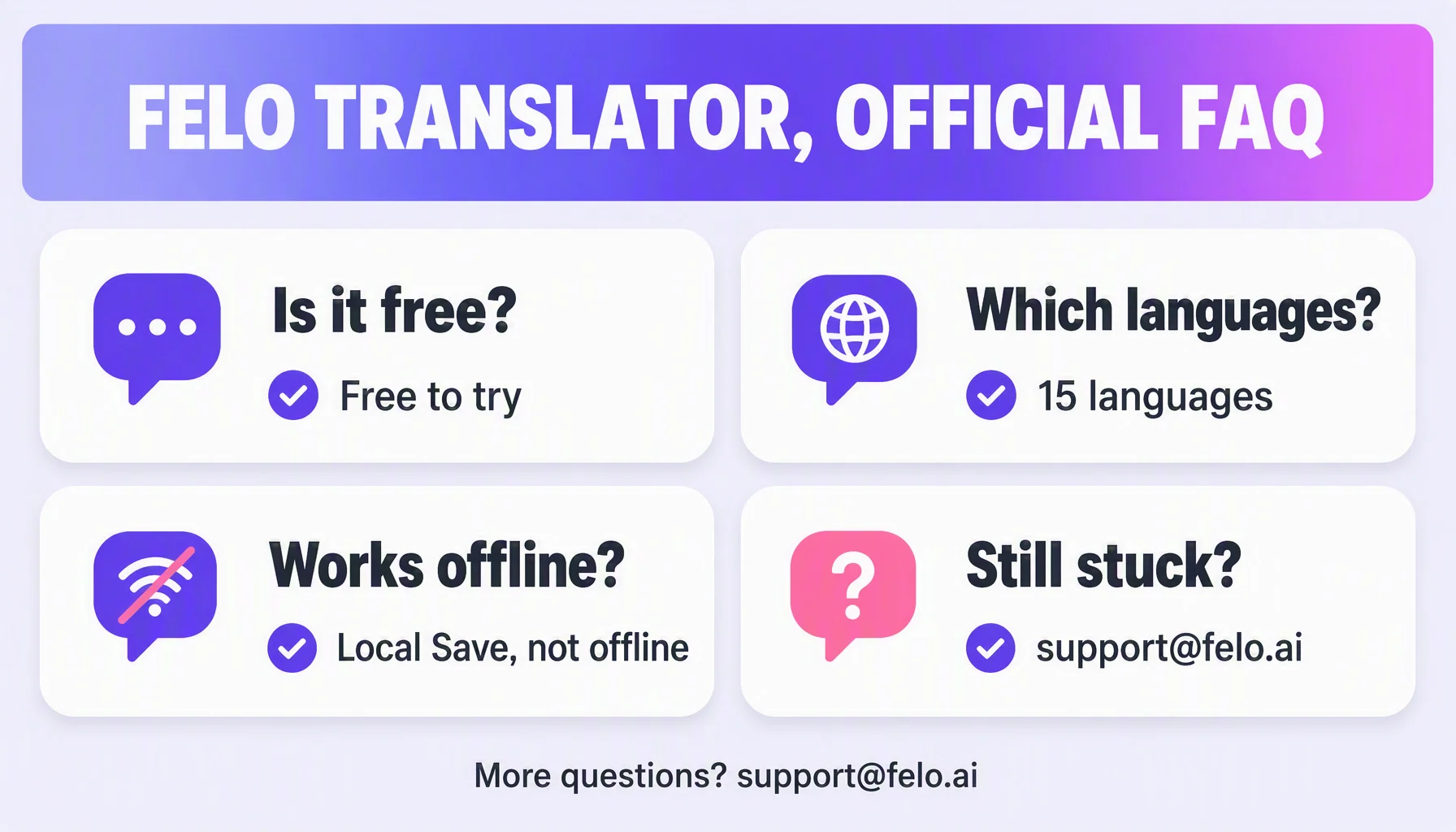
It is free to try. The Pro plan gives you unlimited real-time voice translation and transcription duration: annual $239.99 USD (from a $599 USD list), monthly $39.9 USD (from a $59.9 USD list), plus a 1-day trial for $0.99 and a 120-minute pack for $3.9. Purchases are made inside the Felo Translator app.
Which languages does Felo Translator support?
15: Korean, Japanese, German, English, Simplified Chinese, Czech, Thai, Spanish, French, Taiwanese Mandarin, Italian, Russian, Cantonese, Indonesian, Vietnamese. On the official pages, each is demonstrated as a voice-translation pair with English.
My language is not in the list. Can you add it?
That is the honest limitation: Felo Translator is a focused 15-language voice translator for real conversations, not a universal catalog. If a language or a pair is missing and it matters for your work, tell us — the last section of this FAQ shows how to reach the team with a language request.
Does it work offline?
No. Offline translation is not a documented mode. The on-device feature is Local Save — efficient local storage that keeps files and data on your device for convenient access anytime. Real-time translation needs a working network connection.
Which devices are supported?
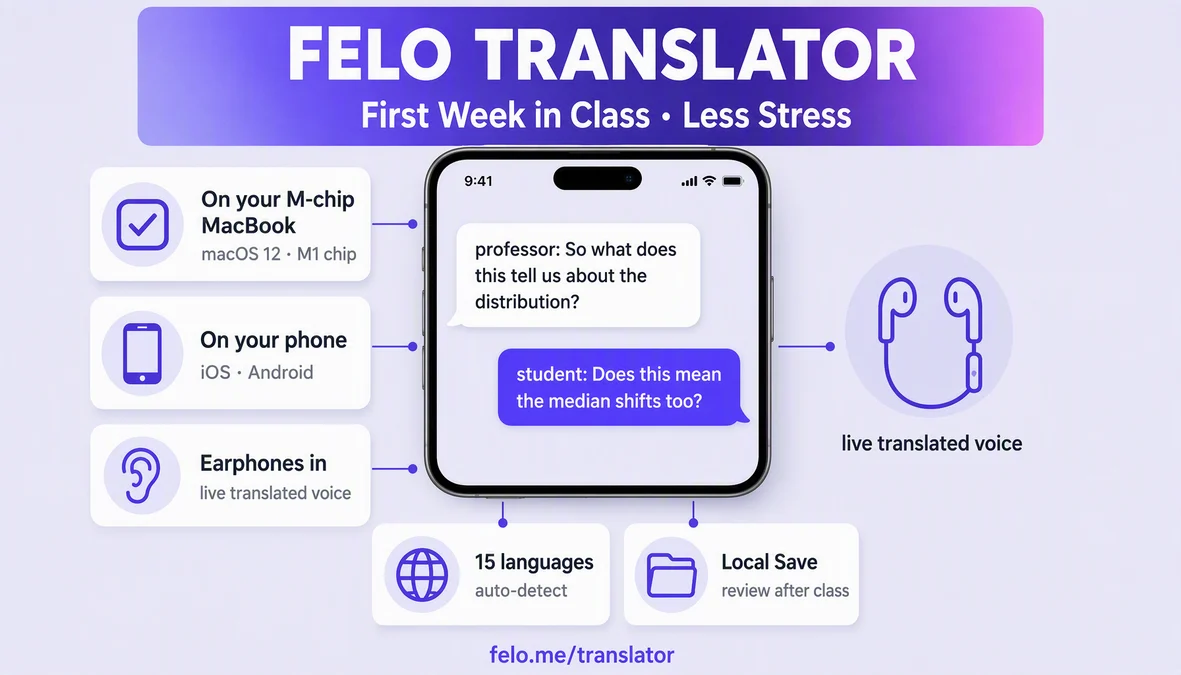
iOS and Android. The product pages link straight to the App Store and Google Play downloads. The translation happens inside a live conversation, so both are phone-first.
What happens to my conversation data?
It is stored on your device: Local Save securely keeps files and data on your device for convenient access anytime. Conversations are processed to produce the translation — this is not offline translation, and it is not claimed to be end-to-end encrypted. For sensitive conversations, keep Local Save on so the record stays on your device.
How accurate is the translation?
The honest expectation for the 15 supported languages is meaning first, nuance second, and names or idioms rough — the same expectation for any generated translation. Under the hood it is GPT-based technology for high-speed, high-precision translation, built for robustness in real-world use. Before an important conversation, test the pair and keep Local Save on so you can review what was said.
How do I run a conversation that works?
Speech-to-speech translation works best with rhythm: speak one short turn at a time, put the phone between you and the other person, and turn the screen toward them so they can read the answer while it is spoken. The app handles one conversation at a time — the live conversation is one conversation, not a queue.
Can it handle a small bilingual meeting?
Yes, as a two-way tool in a small meeting. The practical shape is: set the pair before the meeting, keep your speaking turns short, and read the saved conversation from Local Save afterward. It is a voice translation app, not a full conference system — for a large room, check its limits before the meeting.
What if I have a billing, refund, or invoice question?
All purchases in Felo Translator — the Pro subscription, the 1-day trial, the 120-minute pack — go through the app store you used: the App Store on iOS or Google Play on Android. That store processes the payment, so it is the one to contact for a billing or refund problem, and it is the one that issues invoices and receipts. After a successful purchase the store normally sends you the receipt on its own — check the receipt email or the purchase history in the store before asking anyone. If a billing, refund, invoicing, or technical issue is not resolved through the store, reach the official support address below.
None of these cover my question — how do I reach support?
Write to the official support email: support@felo.ai. Describe what you were trying to do (translate a live conversation, a meeting, a long transcription), your device and app version if it is technical, and what you expected versus what happened. The support team reads it from there.
By the Felo Editorial Team. The Felo Editorial Team writes about language, voice translation, and the details of talking across borders.