When Speech Translation Beats Text Translation (and When It Doesn't)
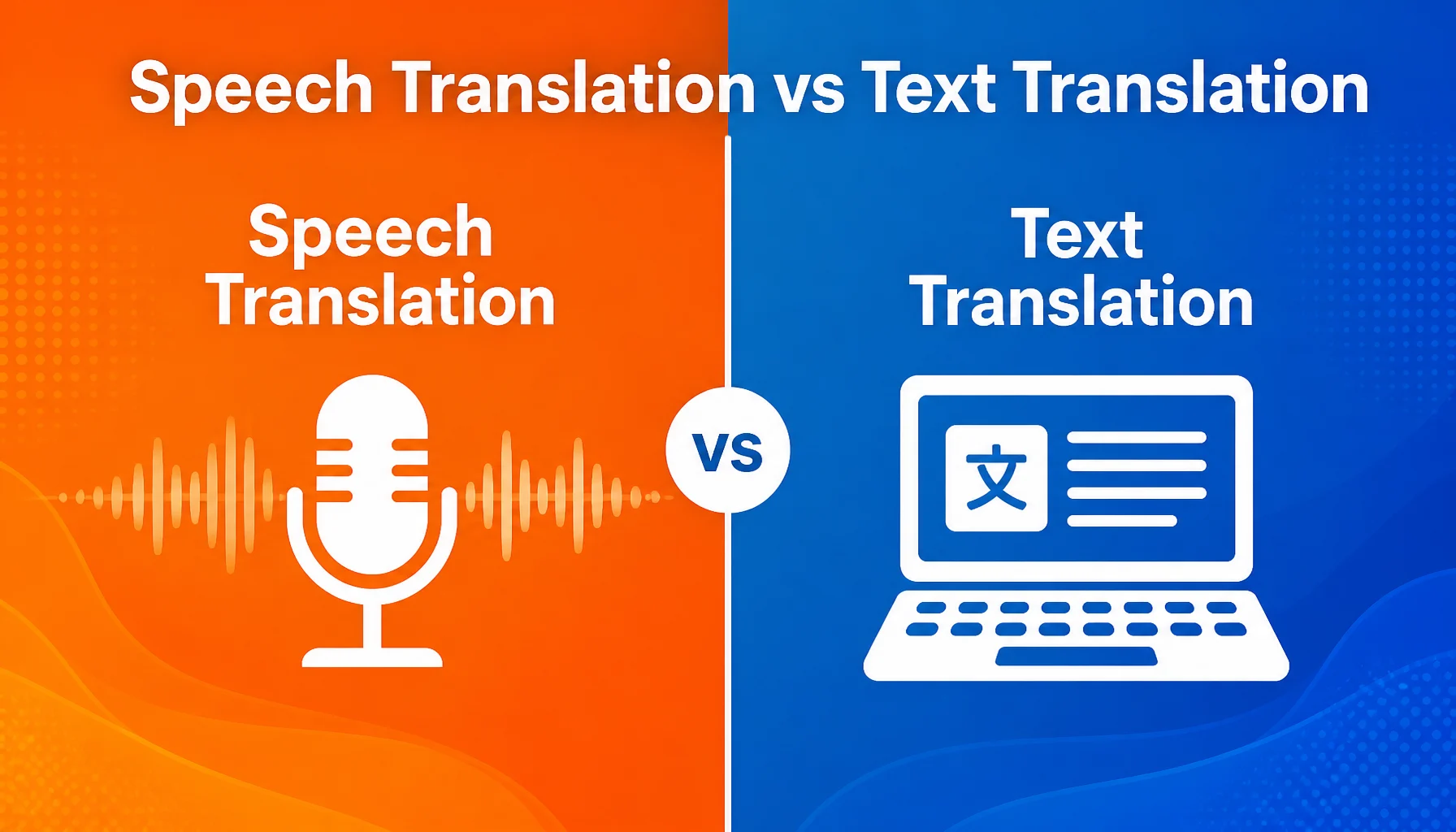
You're standing in a Tokyo train station, trying to ask a station attendant where to catch the Narita Express. You could pull out a text translator and type — but you'd rather just speak. That's the core difference between speech translation and text translation, and choosing the right mode can save you minutes of awkward silence.
This guide walks through when each approach wins, what trade-offs matter, and which tools fit which situations.
Before You Choose
- Know your environment. Noisy crowd? Speech translation struggles. Quiet office? Text might be faster.
- Check your language pair. Not all tools handle all 16 languages equally in both modes.
- Decide what "good enough" means. Speed or accuracy? Usually you can't have both at once.
How Speech and Text Translation Differ
- Input mode. Speech translation captures audio and converts it to text before translating. Text translation skips the audio step entirely. Speech adds latency but removes the typing burden.
- Output mode. Speech tools read the translation aloud. Text tools show it on screen. If the other person can't read your output language, audio output matters.
- Context handling. Speech translation tools often auto-detect both languages, so you don't need to set source and target. Text tools usually require you to pick languages upfront.
- Transcript retention. Speech tools typically save a bilingual transcript of the full exchange. Text tools show individual exchanges but rarely stitch them into a continuous record.
- Environment sensitivity. Background noise, accents, and speaking speed all affect speech translation accuracy. Text translation is immune to these factors.
- Turn-taking flow. Speech translation encourages natural back-and-forth. Text translation works better for longer, prepared statements.
Scenario Examples
Scenario 1: Ordering food in Barcelona. Small tapas bar, owner doesn't speak English. Speech translation handles this — exchange is short, both parties benefit from hearing output. Text translation would force you to type every question.
Scenario 2: Negotiating a contract clause in Prague. You need to translate a legal term and confirm understanding. Text translation wins — you can review, edit for precision, share the screen. Speech translation would rush both sides and leave no written record.
Scenario 3: Checking into a hotel in Seoul. Confirm check-in time, breakfast, Wi-Fi. Clerk speaks Korean. Speech translation lets you ask naturally and hear the response. The bilingual transcript gives you something to screenshot.
Tips for Better Results
- Speak clearly and at moderate pace. Most speech translators handle 120-150 words per minute well. Faster speech increases error rates.
- Use short sentences. Break complex thoughts into two or three simple statements. This improves both recognition and translation accuracy.
- Hold the device steady. Microphone placement matters. Keep the phone between you and the other speaker, about arm's length away.
- Verify critical numbers. If the translation involves a price, time, or quantity, confirm it by typing the number manually. Speech recognition of numbers varies by language.
- Save the transcript. Most speech translation apps let you export or screenshot the bilingual record. Do this immediately — you won't remember the exact wording later.
Limitations to Keep in Mind
- Speech translation needs internet. Real-time speech-to-text and translation both require connectivity. Offline mode is not available in most tools.
- Accents reduce accuracy. Regional accents, heavy background noise, or rapid speech all degrade recognition. This affects all speech translation tools, not just one brand.
- Not all languages are equal. Some language pairs have better training data than others. Korean-to-English speech translation tends to be more accurate than Nepali-to-English, for example.
- Long monologues fail. Speech translators work best with exchanges under 30 seconds. If you need to translate a 5-minute speech, use a different approach.
- No photo or OCR translation. Speech and text translation tools don't read signs, menus, or documents from images. You need a separate tool for that.
How Felo Translator Approaches Speech Translation
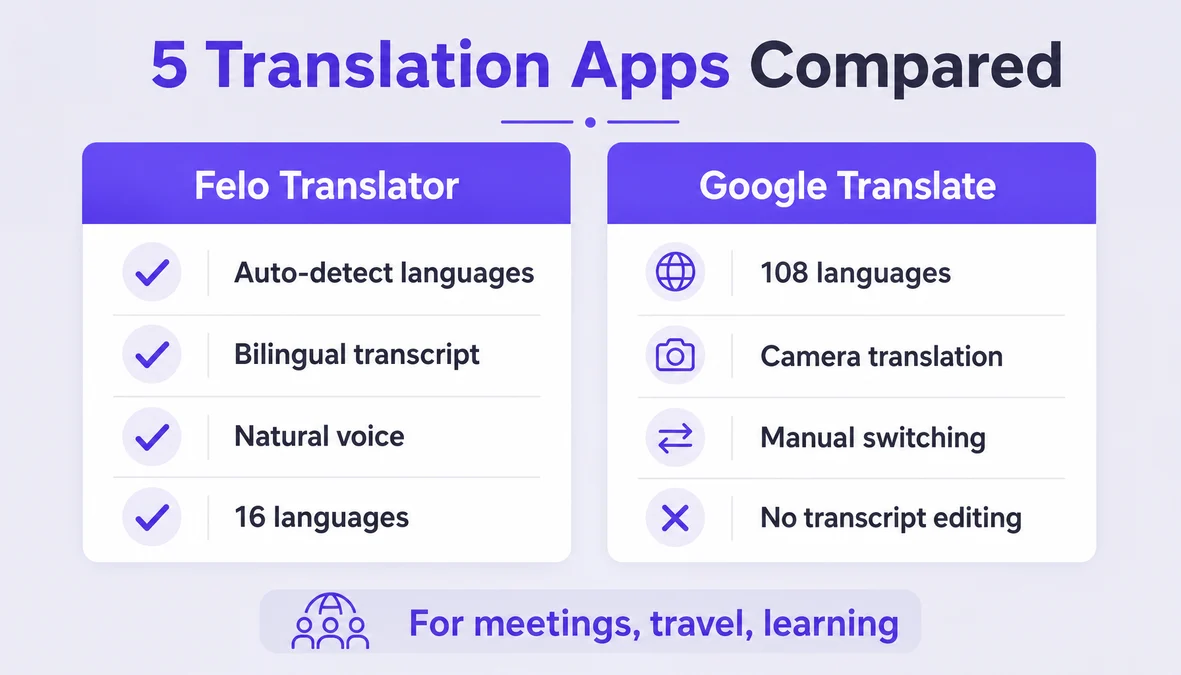
Felo Translator focuses on voice translation with auto-detection of both languages. You don't need to set source and target — the app listens, identifies which language is being spoken, and translates in real time. The output is read aloud in a natural voice, and the full bilingual transcript is saved locally on your device.
Felo Translator supports 16 languages: Korean, Japanese, German, English, Simplified Chinese, Taiwanese Mandarin, Cantonese, Czech, Thai, Spanish, French, Italian, Russian, Indonesian, Vietnamese, and Nepali. It's available on iOS and Android.
Pricing starts at $0.99 for a 1-day trial, $3.90 for 120 minutes, $39.90 monthly, or $239.99 yearly. There's no offline mode, and photo translation is not supported.
Try it at felo.me/translator.
FAQ
Can speech translation replace a human interpreter? For casual conversations, travel situations, and short exchanges, yes. For legal proceedings, medical consultations, or high-stakes negotiations, no. Speech translation handles 80% of everyday situations well, but nuance, cultural context, and domain-specific terminology still require human judgment.
Does speech translation work in noisy environments? It depends on the noise level and type. Background chatter is usually fine. Loud machinery, music, or multiple overlapping conversations reduce accuracy. Move to a quieter spot if possible, or switch to text translation.
Is text translation more accurate than speech translation? Generally, yes, because you have time to review and edit. But speech translation is more natural for conversation. The accuracy gap has narrowed significantly with modern neural models — for simple questions and responses, both modes produce reliable output.
Can I use speech translation offline? Most speech translation apps require an internet connection because both speech recognition and translation run on cloud servers. Felo Translator does not support offline translation. Local save refers to storing transcripts on your device, not offline processing.
By the Felo Editorial Team. The Felo Editorial Team writes about language, voice translation, and the details of talking across borders.
Felo Translator is a real-time voice translation app in 16 languages, at felo.me/translator.