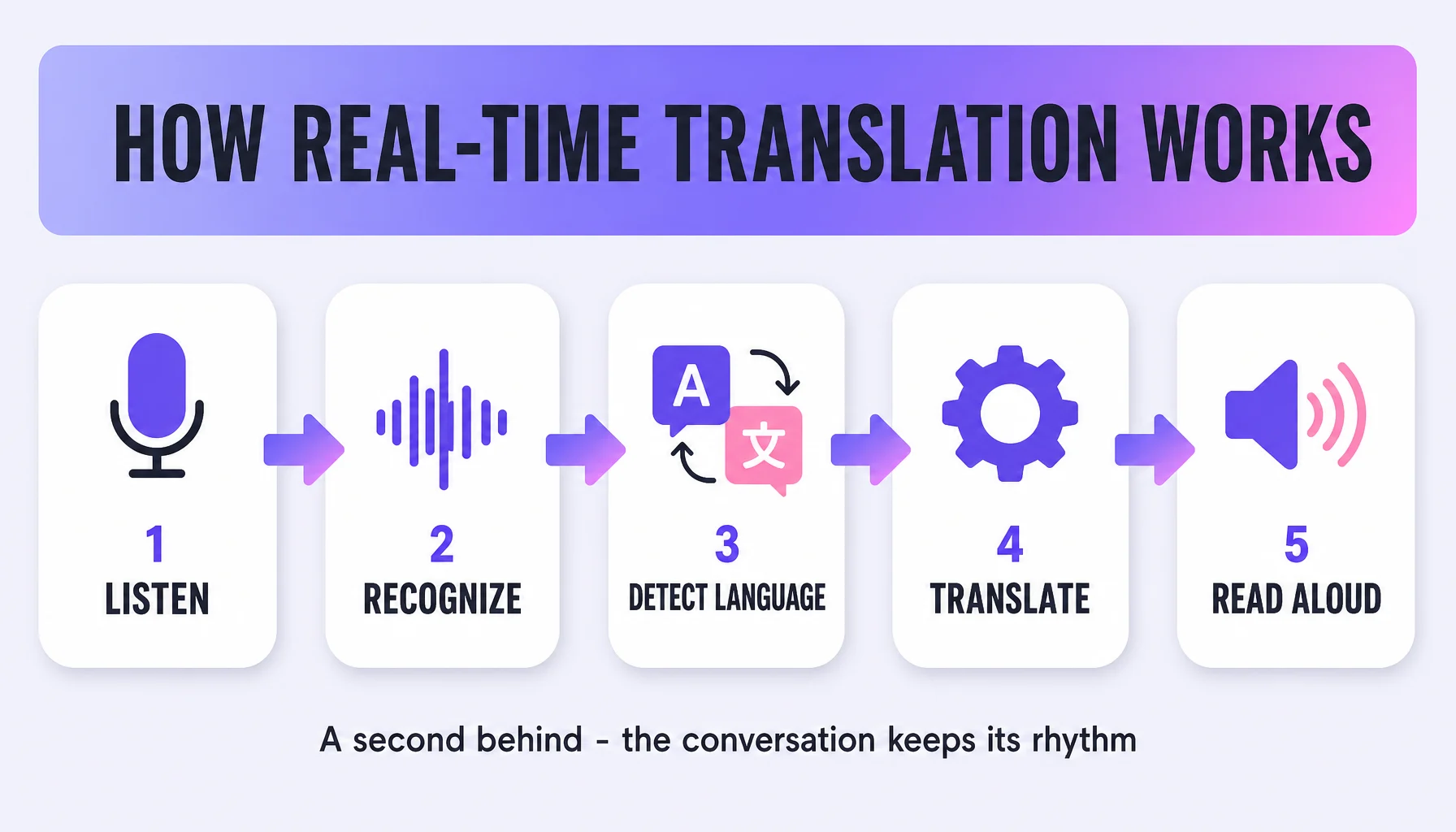
Real-time voice translation is what you notice the first time the other person answers you mid-sentence — in a store in Seoul, a clinic in Vienna, or a video call with a client in Tokyo. It is not one step; it is five: capture, streaming speech recognition, automatic language detection, translation, and read-back. This guide walks the five stages the way you meet them in the app — what you do, what you see, and a tip for each — then the honest limits.
Using it, step by step
- Start talking — the app captures as you speak. Speak naturally and the microphone stream is handled on the spot, including background noise and overlapping speech. You will see the app listening immediately, not waiting for a start signal. Tip: face the speaker and step away from wind and street noise — it improves the transcript more than any setting.
- Keep talking — the words appear while you are still speaking. This is streaming speech recognition: speech becomes text in small chunks as the person talks, not after they finish. What you notice first is not accuracy — it is the absence of the old awkward pause. The machine works on the sentence as you complete it, and the text flows a second or two behind your voice.
- Skip the settings — the language is detected on the fly. You do not configure "from X to Y" before starting. Automatic language detection sorts out the source language, so whoever speaks first, the transcript appears in the right language.
- Read the translation under the transcript. The recognized text is translated by a GPT-based AI model, and the translation shows up right behind the transcript. Both sides are now reading the same line.
- Hear it, read it, or both. The app speaks the translation and shows it on screen at the same time: results you can "hear or read." Spoken read-back is Translation Reading with natural prosody — "more realistic presentation of the emotion and meaning conveyed by the text," not a flat machine voice. The other person can also scan, point, or show the screen back instead of asking you to repeat. Tip: for numbers and addresses, point at the screen and let the audio carry the sentence.
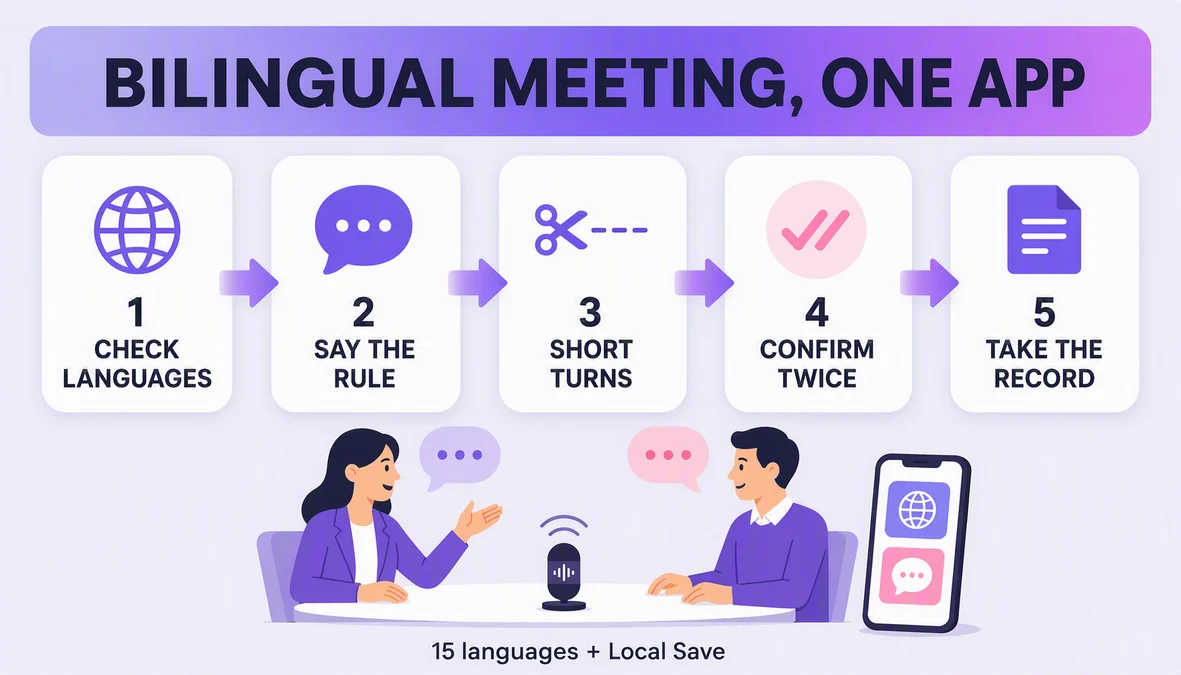
- Keep the conversation. Local Save stores conversations on your device, so the price, room number, or instruction you just got is re-checkable an hour later instead of reconstructable from memory. Switch it on before the first exchange.
Tips that make it smoother
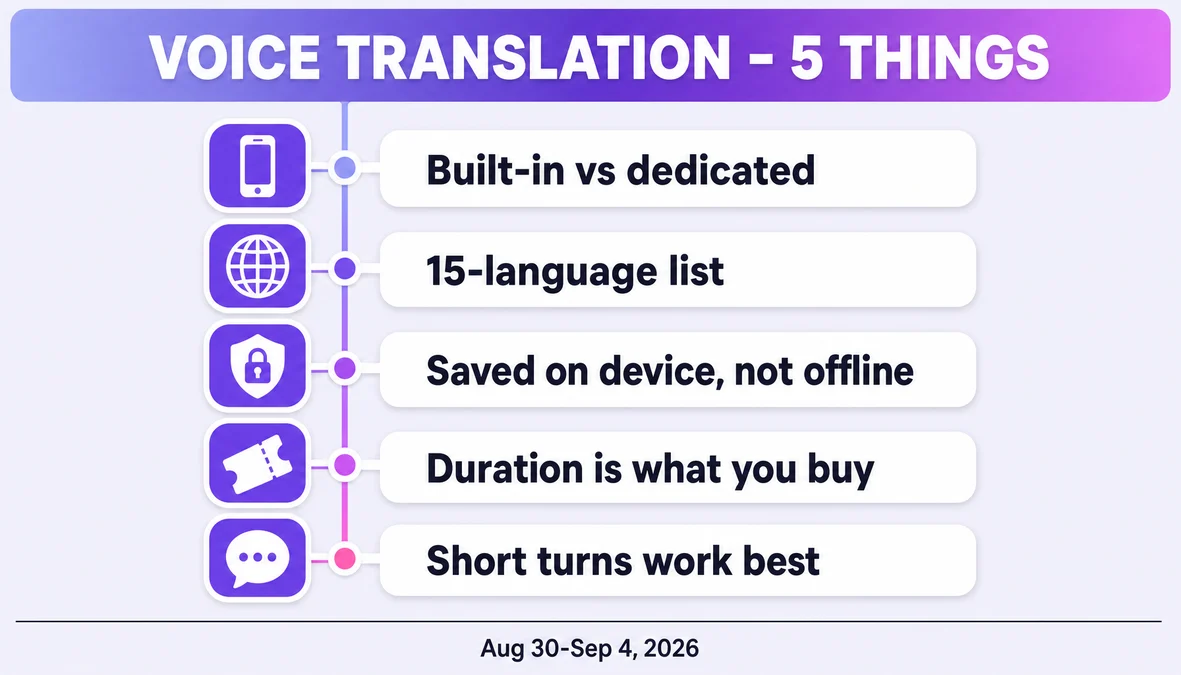
- Short units, one at a time. Two sentences is the comfortable limit; a paragraph is the failure mode.
- One language per side, no handoffs. You speak yours, they speak theirs, the app stays put — a translator in the room, not a relay in your hands.
- Wait one beat. The output runs a second or two behind; a pause is normal, not a freeze.
- Let the other person listen, not just read. Step back and let the app deliver a sentence before you start the next one.
- Quiet beats loud. Face the speaker, and pick the quieter end of the room.
- Confirm what matters. If the number is the whole point, repeat it once in your own language and wait for the nod.
Watch out for
- Names and terms do not translate. Street names, meds, and brand names come through as-is; jokes and idioms often flatten. Expect the meaning to arrive before the nuance, and confirm the thing that matters with a screen-point.
- Noise and overlap cut both ways. No product handles a busy room perfectly, though modern models tolerate background noise and overlapping speakers far better than they did five years ago.
- You stay a few seconds behind the conversation. Streaming keeps things moving instead of stopping and restarting; that lag is normal for a chat and worth knowing before a live interview.
- Local Save is not offline translation. Local Save keeps conversations on your device; live AI translation needs the model and the network, so check the current documentation before assuming word-for-word offline translation.
- The 15-language list is a hard boundary. Korean, Japanese, German, English, Simplified Chinese, Czech, Thai, Spanish, French, Taiwanese Mandarin, Italian, Russian, Cantonese, Indonesian, Vietnamese. If one side of your pair is not there, check before you count on it.
Where Felo Translator fits
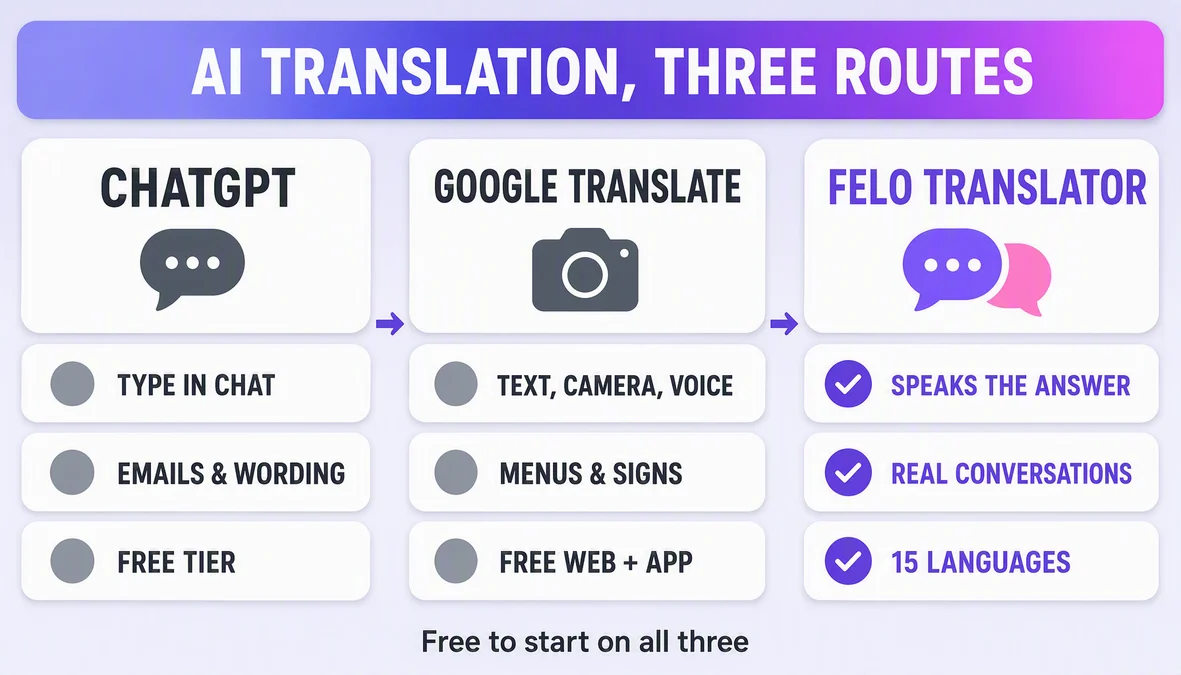
Felo Translator is a standalone real-time voice translation app, built around this exact pipeline rather than around a translate-a-text-box. The product story on the official felo.me/translator page is Voice Translation (instant speech into another language), Translation Reading (the natural, expressive read-back above), Local Save (conversations stored on your device), and Multilingual Translation — high-speed, high-precision, GPT-based — across 15 languages. When the conversation is the task, the app is built around the conversation.
FAQ
How fast is real-time voice translation? Conversations translate as people speak — the streaming design keeps output a few seconds behind the speaker instead of waiting for a finished sentence. Real latency depends on connection quality and the languages involved.
Does it translate as the person is still talking? Yes — that is the core difference from the old two-step design of transcribe, then translate, then read aloud with a full stop between. The system works on the sentence as it arrives, so the answer flows instead of starting after a pause.
Can it read the translation back in natural speech? In a spoken way, not in the original speaker's voice. Read-back uses natural prosody — tone, pacing, and emphasis — so it sounds like a person reading the meaning, not a flat robot.
Does Felo Translator work offline? Its documented on-device feature is Local Save — conversations saved on your device for later access. Real-time translation is the working, connected feature; do not assume offline translation without an official statement, and verify each version in the app.
By the Felo Editorial Team. The Felo Editorial Team writes about language, voice translation, and the details of talking across borders.